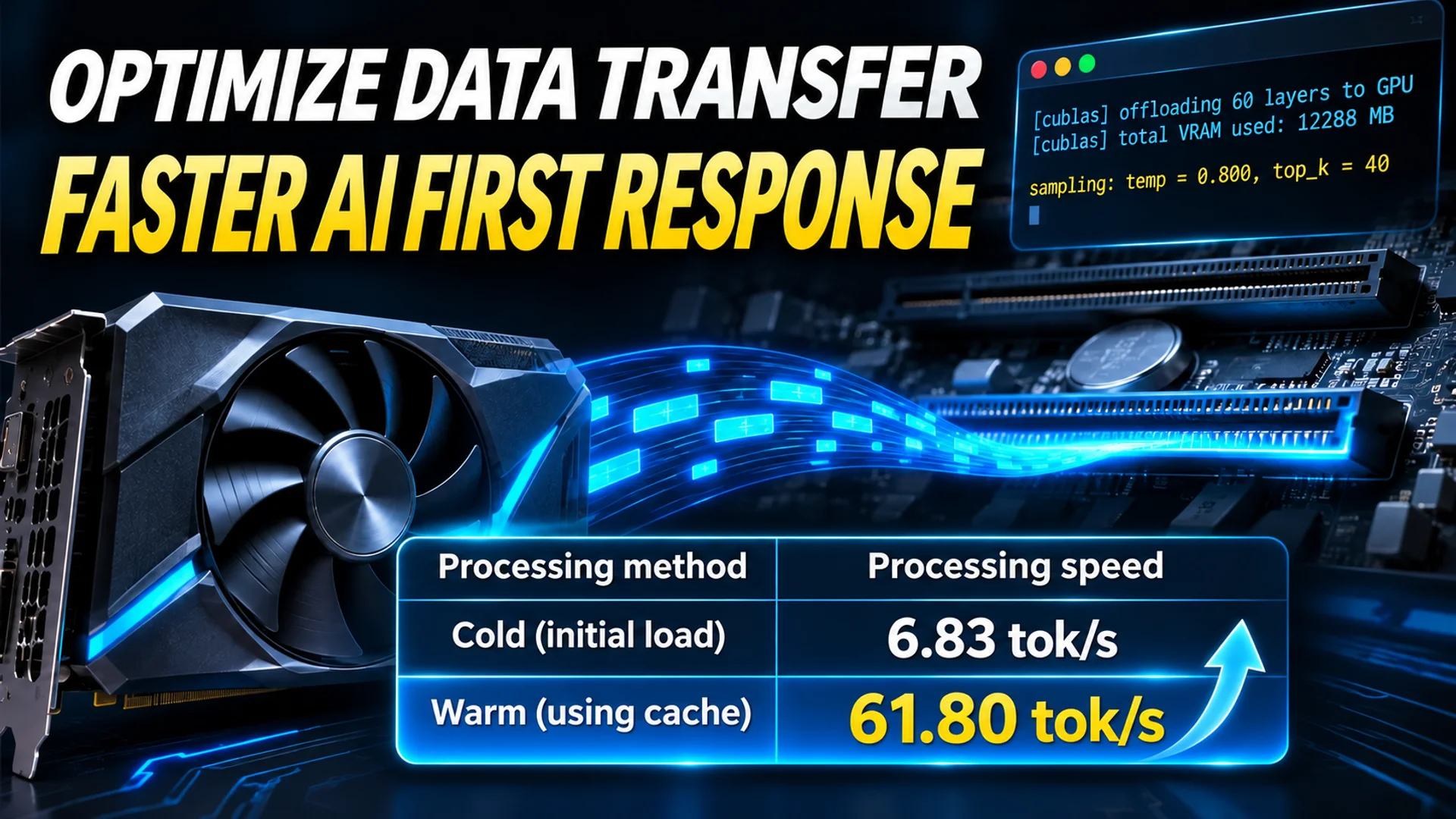
After typing a question, you have likely experienced the screen freezing for 30 to 60 seconds before suddenly typing an answer at normal speed. This is not a period of deep AI reasoning, but rather a "bottleneck" where the system waits for data to arrive. According to a case study released by a Betelgeuse project developer, the cause of this silence was clear: the GPU compute units were idle, waiting for expert weights stored on the disk to be loaded one by one via the PCIe bus. By changing only the order and unit of data loading without replacing hardware, the developer stated that prompt processing speed in a warmed state increased from 3–6 tok/s to 61.80 tok/s. 1
Why the Screen Stalls for 30–60 Seconds Before the First Token
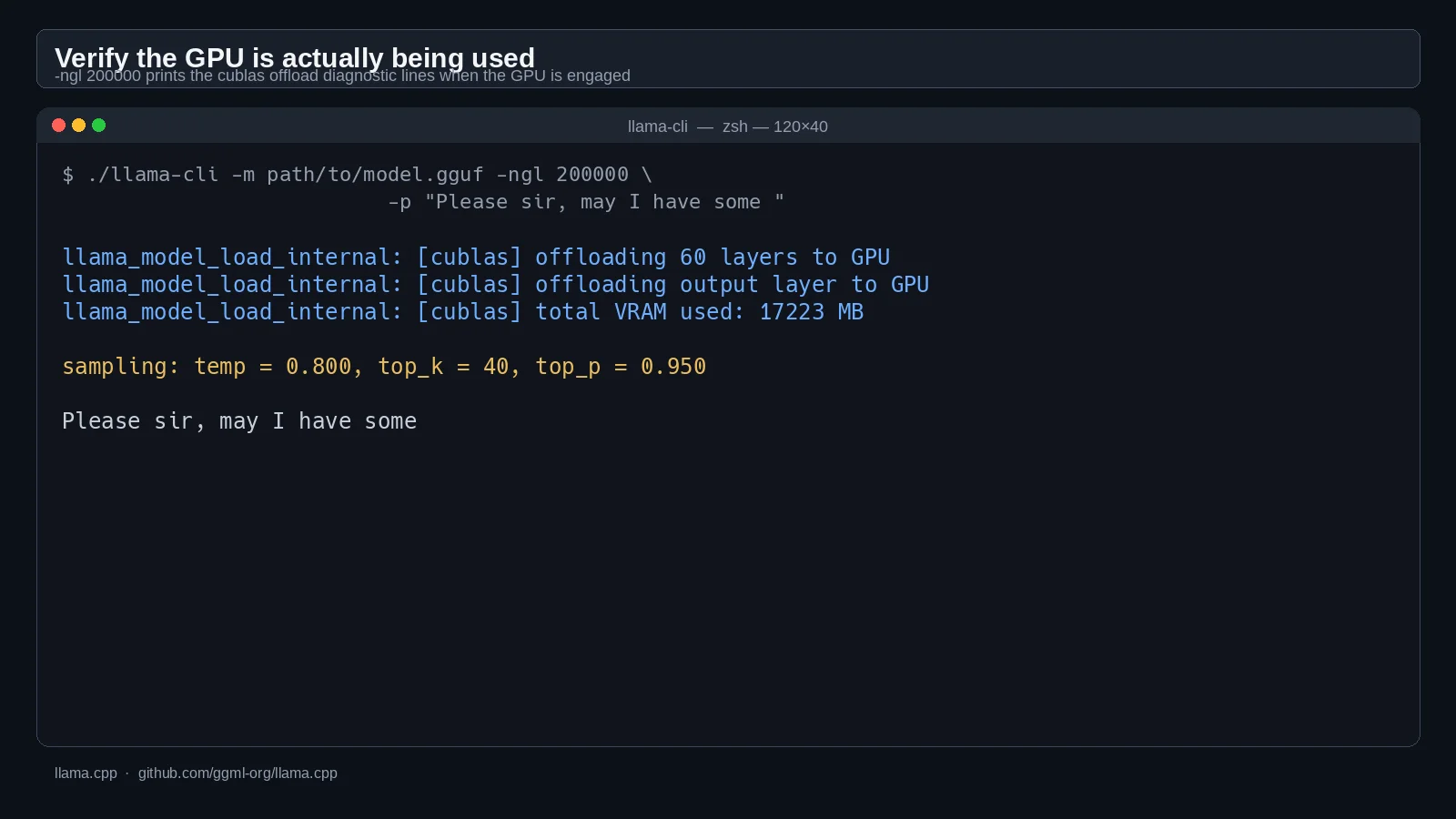
When running massive AI models on low-spec PCs, there are specific intervals where responses are notably slow. This delay occurs not during the decoding stage—where the AI generates answers one token at a time—but during the prefill stage, where the entire input question is first processed and loaded into memory. Prefill involves processing all tokens in the prompt simultaneously to create the KV cache and calculate the first answer token; this stage proceeds quickly only when GPU compute resources (FLOPs) are sufficient. The industry measures this delay as TTFT (Time To First Token, the time until the first token is generated). 23
The DeepSeek V4.1 Flash model (748 billion parameters) run by Betelgeuse has a total size of 416 GB, including 40 layers and Engram tables. With only 12 GB of VRAM and 16 GB of RAM, the model cannot be fully loaded into memory, requiring most of it to be stored on an NVMe SSD and retrieved only when needed via the PCIe bus. Under the standard approach, nearly all experts in the 40 layers are called during the processing of a single question, causing the GPU to wait for transmission rather than performing calculations. As a result, the prefill speed for a 500-token question was only 1–3 tok/s. 1
Three Fixes That Keep the GPU from Idling
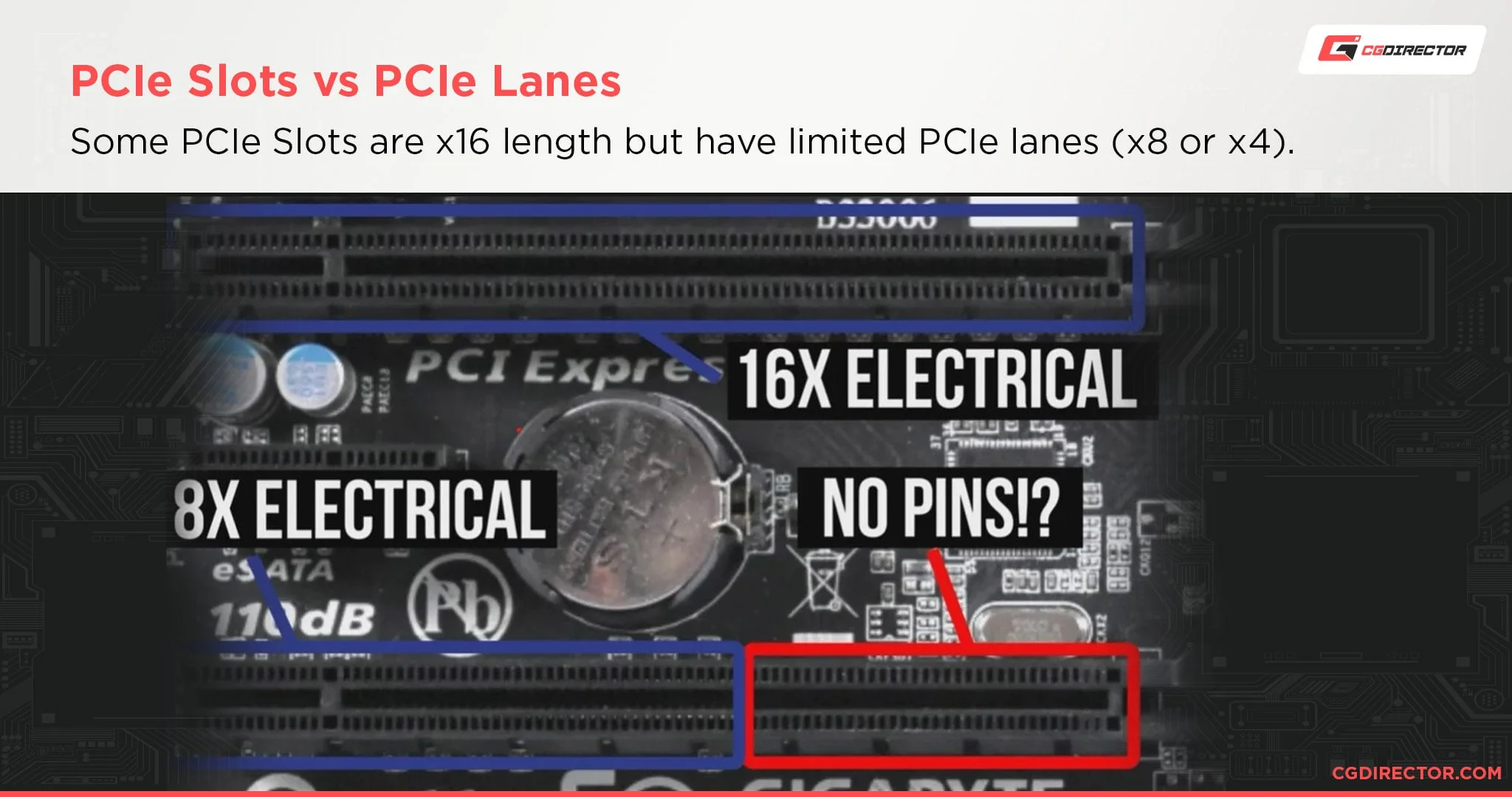
Instead of pruning the model or requantizing weights, the Betelgeuse developer changed the method of data transfer itself. This experimental fork based on llama.cpp maintains all routed experts at their original precision.
First, position-invariant cache splitting. Each layer has a fixed 20 resident slots, with 5 assigned to VRAM (hot zone) and 15 to host RAM (Host-RAM zone). The key is not to change the routing path. The top-ranked expert is evaluated from the full 20-slot pool, while ranks 1–5 are evaluated only within the resident pool. This ensures that the model selection path remains consistent regardless of cache state, guaranteeing result consistency. Additionally, leveraging the characteristic that the Engram table is active only in layers 1 and 14 and references approximately 192 KB per token, it is loaded directly into a 2 MB VRAM buffer with minimal RAM usage. 14
Second, single-pass layer-major prefill. Processing the prompt in microbatches of 3 tokens, as in previous methods, results in low GPU tensor core occupancy. Instead, the developer processes data in units of 16 tokens at once, overlapping the task of loading experts from host RAM via PCIe with GPU computation. Since data movement and computation run in parallel, GPU wait time is reduced.
Third, VRAM promotion at pass completion. After the first pass completes, the five experts actually used most frequently are physically moved to VRAM hot slots. Since logical routing remains unchanged, immediate calculation becomes possible from the next pass onward without PCIe transfer costs.
From 6.83 tok/s to 61.80 tok/s on the Same Hardware
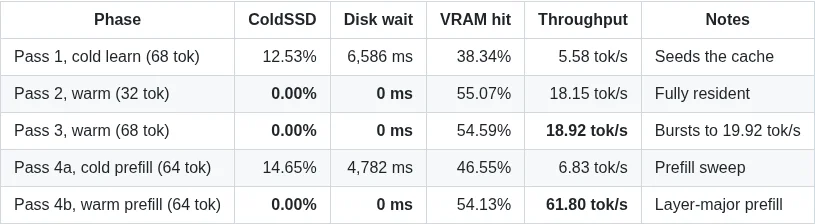
The effects of the three changes are confirmed by two figures. First, the developer reported that prompt processing speed in a warmed state improved from 3–6 tok/s in the standard implementation to 61.80 tok/s. Additionally, when running the improved engine repeatedly on the same PC with a 64-token prompt, a difference emerges between the first pass with an empty cache and subsequent passes where experts are fully resident. The test environment consisted of an RTX 3060 12 GB (200 W limit), 16 GB single-channel DDR4-3200, and a PCIe 4.0 NVMe SSD, with memory usage capped at 12 GiB while swap was disabled. 14
| Pass | State | Prefill Speed | Disk Read | Disk Wait |
|---|---|---|---|---|
| 4a | Cold (Prefill Sweep) | 6.83 tok/s | 14.65% | 4,782 ms |
| 4b | Warm (Full Resident) | 61.80 tok/s | 0.00% | 0 ms |
These two figures are values reported in the results table of the Betelgeuse GitHub documentation. 4
The developer explained that with the cache warmed, the TTFT (time to first token) for standard prompts effectively disappeared. During this process, decoding (answer generation) speed remained stable at 18.15–18.92 tok/s, and peak VRAM usage was 11,396 MiB, operating within the 12 GiB limit. 14
Causes of Improvement and Scope of Application
The developer explained that the cause of the prefill improvement was not a reduction in model parameters, but I/O and scheduling optimizations resulting from changes to PCIe transfer units, batching methods, and cache policies. This suggests that even on low-spec PCs, massive MoE models can run at practical speeds if disk capacity and PCIe bandwidth are secured. However, the author noted that replacing single-channel DDR4 with dual-channel could double prefill speed, but this is an estimate rather than a verified figure.
When compared to another project using the same RTX 3060 12 GB (Strata, IQ2_XS quantization), this experiment's prefill speed is lower, but its decoding speed is higher. However, since the two experiments differ in model, quantization, prompt length, and system RAM configuration, it is not a pure hardware comparison. 14
Ultimately, this case demonstrates that, contrary to the common belief that "models are slow because they are too large," the first-answer delay in MoE models occurs when the order and unit of expert loading mismatch PCIe bandwidth. By adjusting the data loading strategy to match the hardware, the initial silence of a 748 billion parameter model can be eliminated even with 12 GB VRAM and 16 GB RAM. However, since these are experimental results verified on a specific GPU and storage configuration, the same figures are not automatically guaranteed in other environments.