Have you ever experienced an AI agent giving a stupid answer after you threw a PDF file at it?
Even if the tables and layouts look perfectly fine to the human eye, the AI often scrambles numbers or completely loses the context. As a developer, it is incredibly frustrating when the document is full of data, yet the necessary information comes out mangled like trash.
Today, we will dive deep into LiteParse, an innovative open-source tool designed to solve this chronic problem.
Why do AI agents go stupid when reading PDFs?
The PDFs we encounter every day are actually not "documents good for reading," but "documents good for printing."
The structure of a PDF is stored by placing text at specific coordinates on a page, rather than in a logical flow of text. This is where all the tragedy begins.
1. The Betrayal of Layout
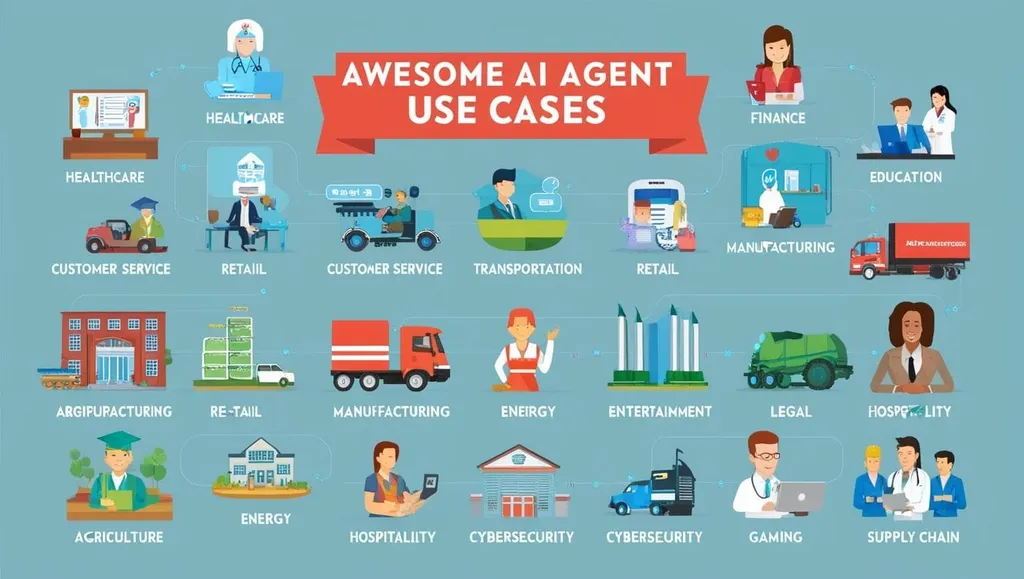
PDFs operate based on the coordinate values of where characters are located, not the order in which paragraphs follow. If a parser misinterprets these coordinates, a disaster occurs where text from the left column is merged into a single line with text from the right column.
2. The Massive Wall called "Tables"
The most serious problem is tables. While the data inside table cells maintains logical relationships, a simple parser perceives them merely as a "sequence of numbers." If it reads "Q1 Revenue 10 billion, Q2 Revenue 12 billion" as "1 100 2 120," the AI will hallucinate a non-existent context to generate an answer.
3. Invisible Data: Images and Charts
Charts, graphs, and handwriting included in a document are seen as mere "pictures" by text parsers. If visual information is not converted into data, the AI agent will completely miss the core insights of the document.
Ultimately, many existing parsing tools had to choose between speed and accuracy—if they chose speed, they sacrificed accuracy; if they chose accuracy, they had to pay a massive price in cloud costs and latency.
The Emergence of the Problem Solver, LiteParse: High-Performance Parsing Implemented Locally
The answer released by the LlamaIndex team to satisfy this thirst is LiteParse.
LiteParse is fundamentally different from LlamaParse, the heavy cloud-based tool. This tool was designed under the philosophy that "an agent must be able to understand documents immediately and securely."
The Core: The 'Spatial Grid' Approach
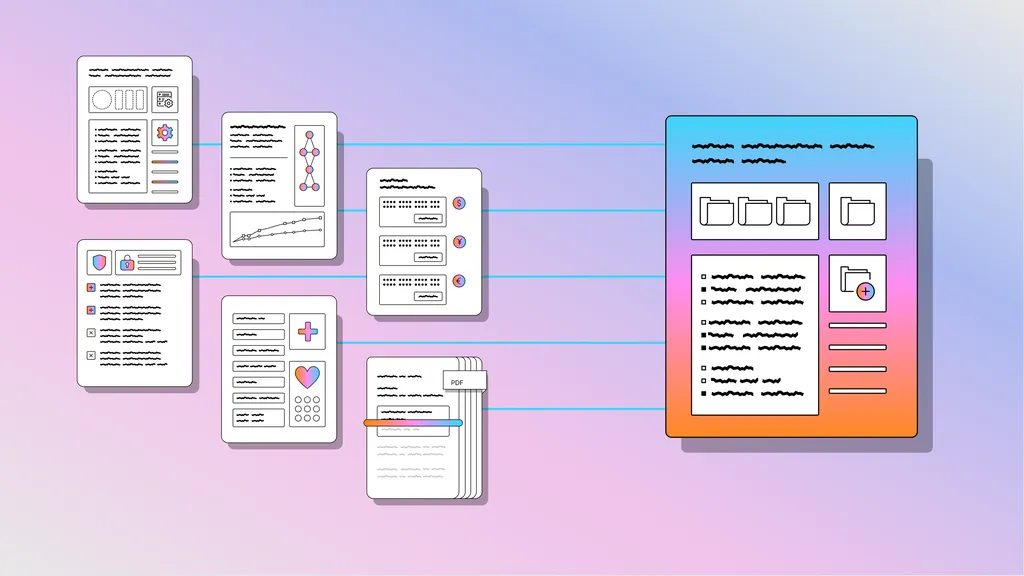
LiteParse does more than just scrape text. It utilizes spatial layout recognition technology to identify where text is located within a document.
By mapping text onto a coordinate-based grid, it preserves the original document's layout as much as possible. Thanks to this, the AI can grasp the structure of tables or the flow of paragraphs in a way that is much more similar to a human. It is particularly excellent at maintaining ASCII table formats or indentation structures that modern LLMs understand well.
💡 Unique Strengths of LiteParse
- Overwhelming Speed: As of 2026, LiteParse is fast enough to process a document of approximately 500 pages in just 2 seconds even in a standard CPU environment. It can be deployed immediately into real-time agent workflows without a GPU.
- Full Local Execution: There is no need to call cloud APIs. This is a massive advantage in enterprise environments where data privacy is critical, or in local AI environments (Local LLM) with limited internet connectivity.
- Multi-format Support: Beyond PDF, it can handle Word (DOCX), Excel (XLSX), PowerPoint (PPTX), and image files. (Note: LibreOffice installation is required for processing Office files.)
- Flexible Scalability: In addition to the built-in Tesseract OCR, it can easily interface with external OCR engines like EasyOCR or PaddleOCR via an HTTP server.
LiteParse vs. LlamaParse: Which one should you choose?
This is a question many will wonder about: "Then, is the LlamaParse I was using before no longer necessary?"
To get straight to the point, "the two tools are not competitors, but complementary to each other." The criteria for selection are clear depending on the purpose.
| Feature | LiteParse (Local/Lightweight) | LlamaParse (Cloud/Precise) |
|---|---|---|
| Primary Target | Coding agents, real-time pipelines | Document Intelligence products |
| Core Value | Speed, low cost, local security | Extreme accuracy, complex layout analysis |
| Execution Environment | Local PC, On-device | Cloud-based services |
| Recommended Scenario | When an agent needs to read and act quickly | When table and markdown structures must be perfectly extracted |
LiteParse is optimized for 'action-oriented' tasks where an agent needs to skim a document and immediately perform the next task. On the other hand, LlamaParse is suitable for 'analysis-oriented' tasks where the minute structures of a document must be perfectly analyzed and converted into a database.
Using LiteParse in Practice: From Installation to Execution
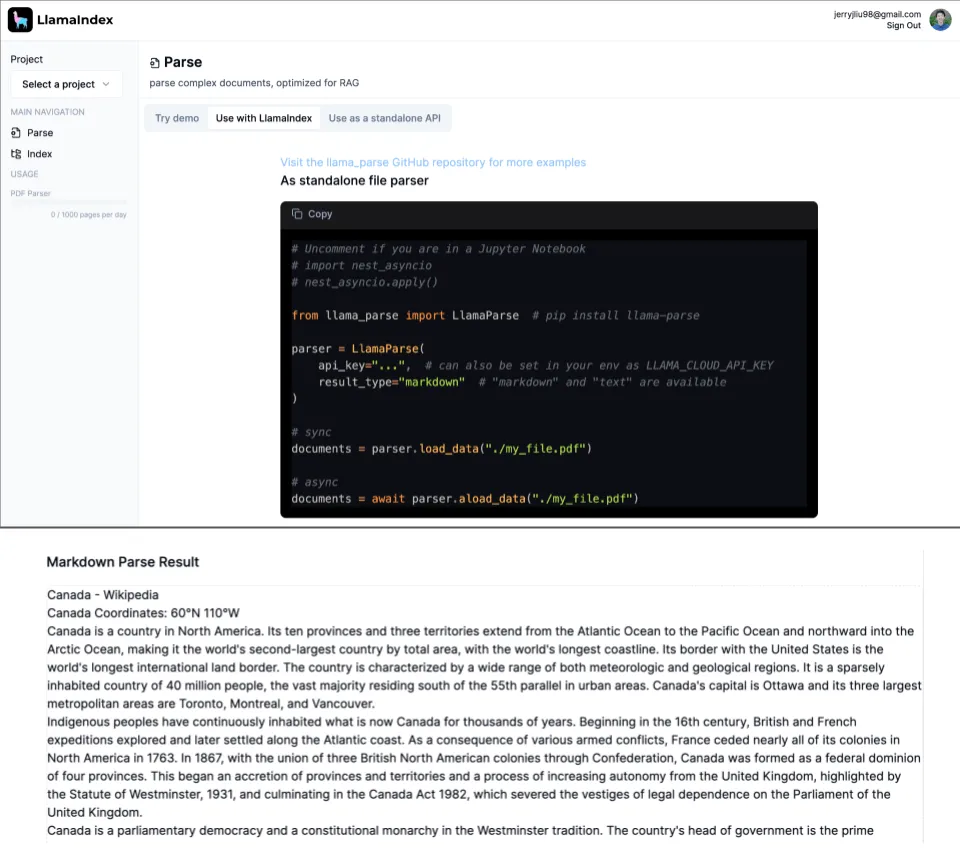
One of the greatest charms of LiteParse is its developer-friendly interface. You can start immediately with just a few commands without complex configurations.
1. Easy Installation
You can install it via the package manager of your language of choice. Python users can use pip, and Node.js users can use npm.
# Python environment
pip install liteparse

# Node.js environment
npm i @llamaindex/liteparse
2. Test Immediately via CLI
Once installation is complete, you can parse documents directly from the terminal.
# Parse PDF to text
lite-parse document.pdf

# Extract in JSON format including detailed information (bounding boxes, font info, etc.)
lite-parse document.pdf --format json
3. Advanced Use: Screenshot Generation
If the extracted text alone is not enough, try using LiteParse's powerful screenshot extraction feature. You can create high-quality PNGs of specific pages to provide visual input to the LLM. This is the core of the 'hyper-tuned agent pattern' that allows an agent to 'see' and judge the document's layout directly.
Note: When processing Office documents or images, LibreOffice and ImageMagick must be installed on your system. For macOS, it is recommended to prepare them in advance via
brew install, and for Ubuntu viaapt-get install.
Conclusion: A New Standard for AI Agents
LiteParse is not just a library. It is an attempt to solve the bottleneck in the 'data reading' stage, which is how AI understands the world.
If you are a developer concerned about data security, burdened by cloud API costs, or looking to reduce an agent's response time by even a single second, LiteParse is not an option, but a necessity.
Ultimately, the intelligence of an AI is determined by the quality of the input data. Why not gift your AI agent a clearer and more accurate 'eye' through LiteParse?
When building an AI agent, what do you value more: 'speed' or 'accuracy'? Please share your thoughts in the comments!
References
- What is LiteParse? | Developer Documentation - LlamaParse · developers.llamaindex.ai
- LiteParse: Local Document Parsing for AI Agents - LlamaIndex · llamaindex.ai
- LiteParse vs LlamaParse: Choosing the Right Document Parser · linkedin.com
- LiteParse by LlamaIndex: Fast Local PDF Parsing with OCR and ... · levelup.gitconnected.com