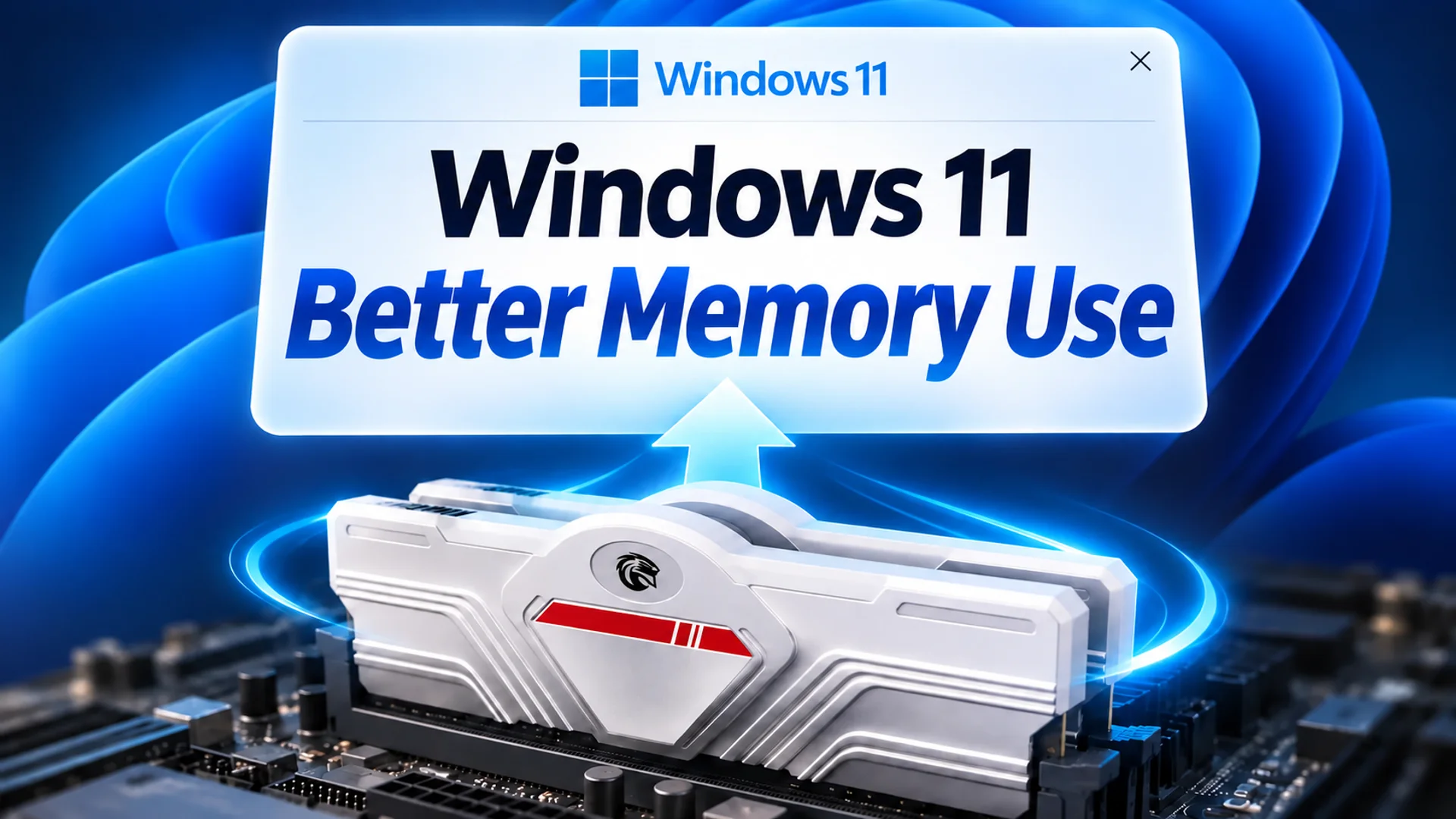
Have you ever experienced a momentary freeze when switching to another window on an 8GB RAM laptop, especially when you have dozens of Chrome tabs, Word, and a music app running simultaneously? This perceived lag is often not due to a slow CPU, but rather the process of shuttling data back and forth between storage space and memory for items already open. Microsoft recently changed this 'memory management method' in a Windows 11 update. By holding onto data in RAM for longer instead of pushing it to storage, the company claims that PCs with 8GB or less of RAM could see responsiveness improve by up to 20%.
Recovering 'Up to 2GB' to Reduce Storage Round-Trips
Windows 11 began a phased rollout of a performance update improving RAM management on October 16, 2026. Navjot Virk, Corporate Vice President of Windows Experiences at Microsoft, explained the core of this change in the company blog: Windows 11 can now maintain active data in physical memory, up to 2GB more than before, instead of transferring it to slower storage1. In common user terms, physical memory refers to RAM.
When RAM is sufficient, Windows keeps data from open apps and tabs in RAM for quick access. However, when RAM capacity is low, Windows pushes data to storage devices like SSDs or HDDs. When users return to those apps, the data must be reloaded from storage. This round-trip process is slower than RAM access, resulting in lag when switching between multiple apps or opening additional browser tabs. This is why Microsoft emphasizes 'keeping up to 2GB in RAM,' aiming to reduce lag from app switching or adding tabs for smoother multitasking1.
This explanation describes a change in 'management policy'—avoiding the unnecessary eviction of data that should reside in RAM—rather than a technology that speeds up the execution time of specific apps per second. In other words, it is a more refined adjustment of how existing RAM is utilized, not the addition of new hardware.
Loading Widgets Only When Opened to Secure 200MB
For PCs with 8GB of RAM or less, widget-related changes also apply. Microsoft changed the system so that components required for widgets are not automatically loaded immediately after the PC starts, but only when the user opens the widgets panel. This adjustment secures more than 200MB of system memory for other apps and processes1.
While a slight delay when opening widgets does not directly impact multitasking performance, 200MB resident in the background makes a significant difference on PCs where memory is already tight. For example, if a laptop has Word, Chrome, a messenger, and several tabs open simultaneously, and the user does not open widgets, the memory reserved for widgets can be used by other apps. This change does not remove widget functionality but alters the order of memory usage based on 'when the user views it.'
Why 'Up to 20%' Should Not Be Taken at Face Value
Microsoft stated that these changes could make Windows 11 'up to 20% more responsive.' However, this figure represents an upper limit. The company also noted that individual results may vary depending on hardware specifications, software configurations, and the tasks actually performed1. The 20% figure does not guarantee a uniform increase for every PC but expresses the range of improvement expected when conditions align. Users with 16GB of RAM or more, where capacity is already sufficient, may experience a smaller perceived change compared to users on 8GB PCs. The changes are likely to be more meaningful for users who frequently switch between multiple tabs and heavy apps.
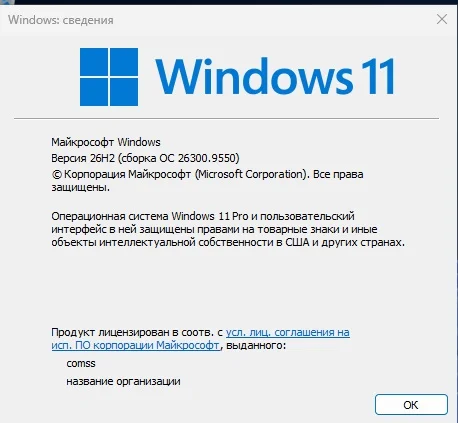
Information regarding which version includes this direction and signals observed in external tests has also been confirmed. Comss.ru reported on November 6, 2026, that the currently rolling out Windows 11 26H2 improved task speeds on 8GB RAM PCs, and that Windows Central tests showed a decrease in system memory usage after the update2. However, the article did not provide specific benchmark figures such as reaction times in seconds or app switching times before and after the update. Therefore, it is accurate to separate the "observation by external media that memory usage decreased after the update" from "Microsoft's upper-bound responsiveness figure." Extending one side as causal proof of the other would be an exaggeration.
Why RAM Prices and Upgrade Environments Matter
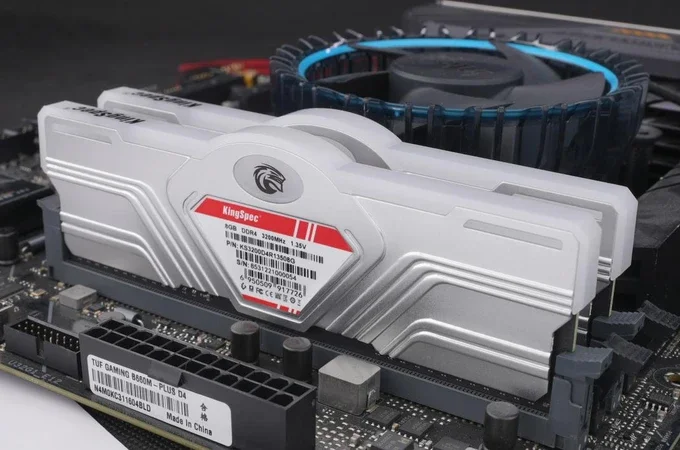
This software optimization is particularly significant because improving memory hardware is becoming increasingly burdensome. As AI infrastructure and data center demands pressure the semiconductor market, memory supply and prices have become important variables for both PC manufacturers and consumers1. In laptops where memory is directly soldered to the board, physical upgrades are often impossible. For these PC users, methods for software to use memory more efficiently become a realistic alternative to buying new RAM. Microsoft's policy of retaining 2GB and the delayed loading of widgets are adjustments to use existing PCs more comfortably, removing the condition of 'buying new hardware.'
Changes You Can Actually Verify
What has changed is not CPU performance, but the management policy for how data is arranged within the existing 8GB of RAM. Windows 11 maintains active data in RAM, avoiding pushing it to storage for up to 2GB, and does not reserve over 200MB for widgets on PCs with 8GB or less of RAM unless they are opened. This freed-up space can be used to reduce storage round-trips during tasks like switching apps and adding tabs.
Since 'up to 20% faster response' is Microsoft's upper-bound expression, you do not need to understand it as a change that speeds up every user's PC by exactly 20%. If you wish to verify the perceived improvement on your own PC, you can observe whether storage usage and responsiveness differ from before by keeping several Chrome tabs and work apps open and switching between them after the update. The important thing is to verify concrete figures such as memory usage or app switching speed in your own environment before and after the update, and to predict specific delays in seconds.