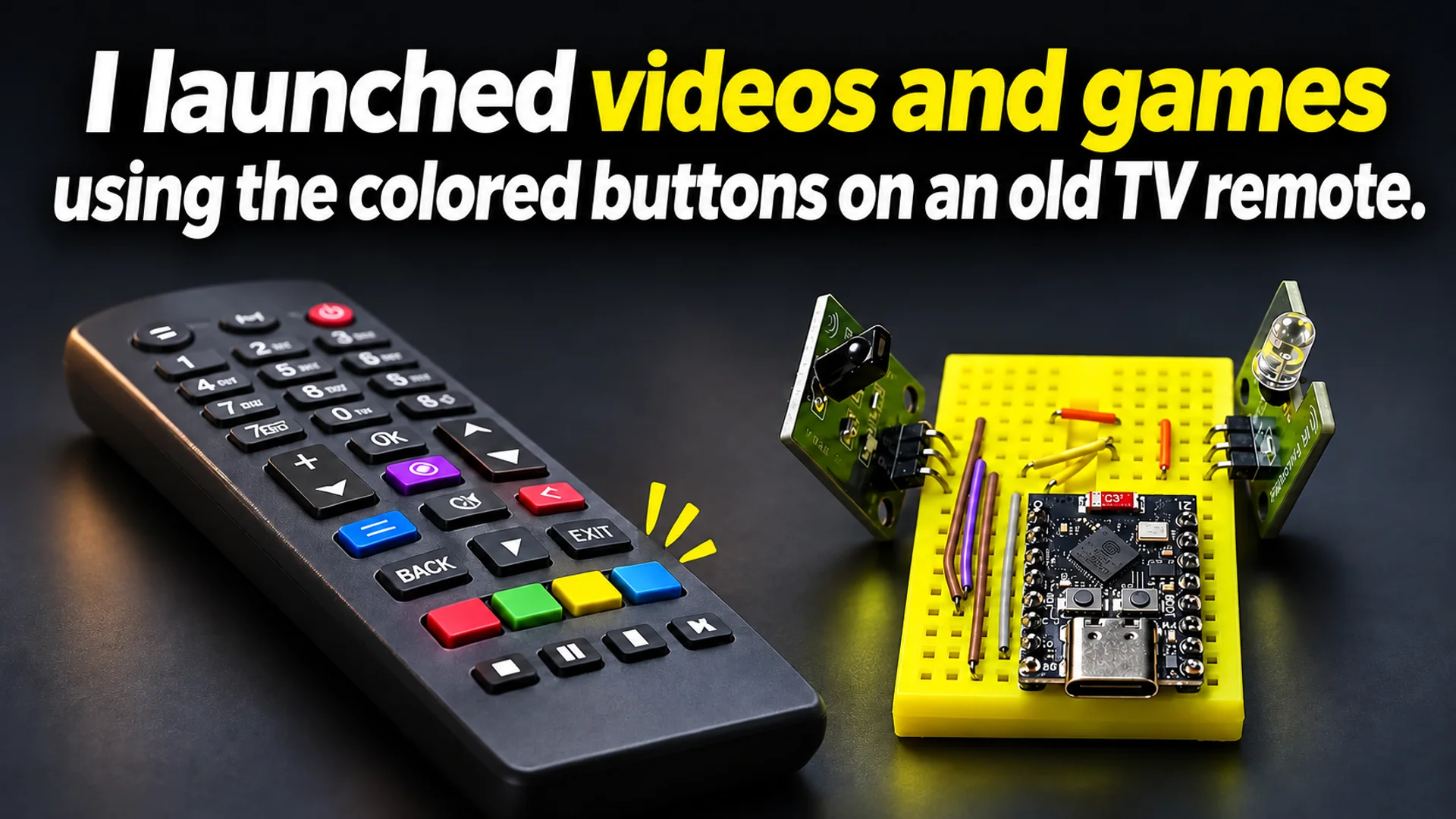
A programmer who used to watch movies on the couch with an old TV built a device that lets a single TV remote launch videos and games. It didn’t turn the TV itself into a smart TV. Instead, it let him control the desktop PC already connected to it with an HDMI cable. 1
The starting point wasn’t a lack of picture quality or apps, but the hassle of getting things ready. Every time the writer wanted to watch a video, he had to turn on a secondary monitor at his desk, move the app window to the TV, switch it to full screen, and then return to the couch. If he’d also forgotten the wireless keyboard needed to press play, he had to get up again. In a post published on November 19, 2026, he described how he reduced this process to a single button press and then added games and other features. 1
Turning remote-control buttons into PC commands
The writer’s TV was a basic model with no internet connection or smart features. But it was already connected to a PC via HDMI, so it could serve as a screen for movies. The inconvenience was that the controls for bringing up and starting a video on the PC were still at the desk, not in front of the TV. 1
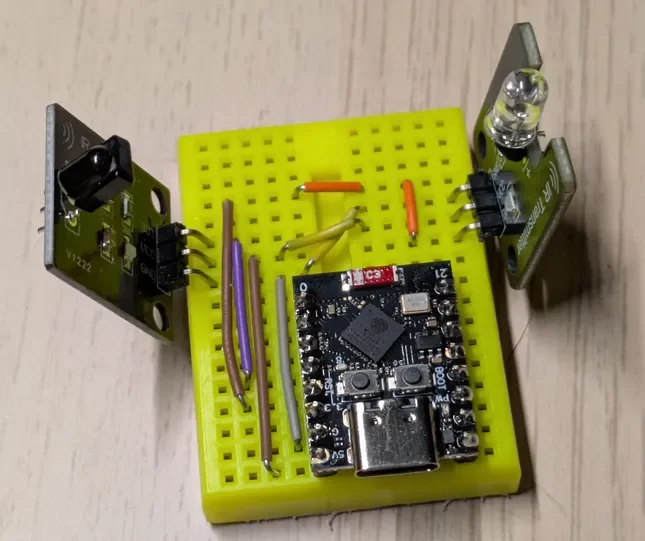
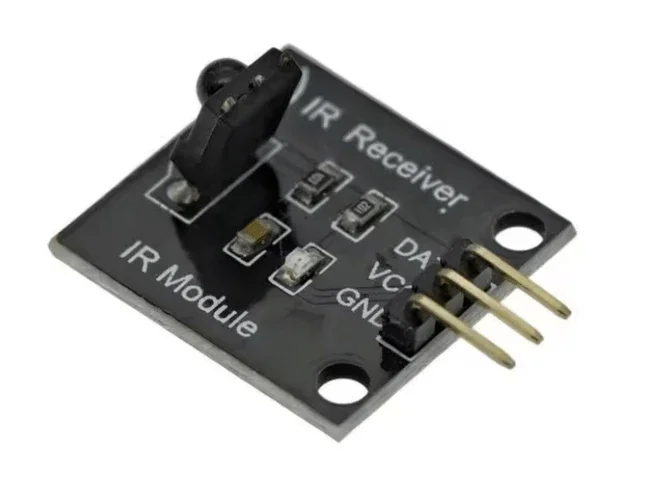
He decided to control the whole process with the TV remote and got an infrared transmitter and receiver. Infrared is the method remotes use to send button signals. He combined these with an ESP32-C3 Mini, a small development board, a mini breadboard for plugging in components, and jumper wires to build the device. The board has Wi-Fi, so it can connect to a network. 1
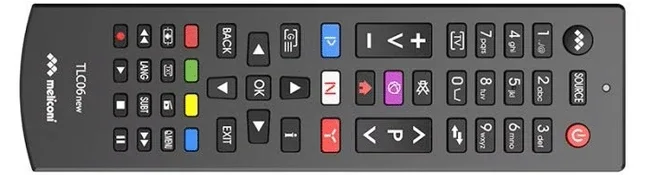
Next, he needed to find out what signal each remote button sent and connect those signals to tasks on the PC. With help from the AI Claude Opus 5.5, the writer identified the RC-5 infrared code for each button and set up scripts. A script is a list of commands that runs a specific set of tasks in sequence. As a result, a single press of a remote button could turn on the secondary display, open an app, and move it to the TV in full-screen mode. 1
From a video button to games and a fireplace
Once the initial setup worked, the writer turned to the old game consoles he owned. Connecting multiple consoles to the TV one by one would be a hassle and leave a tangle of cables. Instead, he decided to run emulators on the PC and show their output on the TV. An emulator is software that recreates the functions of another device so it can be used on a PC. 1
He installed DuckStation, PCSX2, Dolphin, Cemu, and ES-DE, a game launcher, and configured two Xbox controllers for each. With Claude’s help, he then linked them so a single remote button would start the gaming setup. Rather than digging out multiple devices and plugging them into the TV, he chose to bring up the gaming environment already set up on the PC. 1
Once two of the TV remote’s four colored buttons were assigned to video and games, he gave the other two functions as well. One launched “fireplace mode,” which plays a 10-hour video, including a fireplace video. The other opened Steam’s Big Picture mode, which displays games in a large format that’s convenient to use on a TV. What began as an effort to make watching videos easier had grown into a setup with four modes to choose from. 1
He also linked actions to the controllers. Turning on an Xbox controller switches to an emulator or Steam mode, and turning off the last active controller returns the system to fireplace mode. In addition to starting things with the remote, he used the status of the device held while gaming as a cue to switch what was on screen. 1
Separating windows that appear on the wrong screen
As the setup gained features, a new problem arose: program windows often opened on the wrong display, whether the desk monitor or the TV. The writer abandoned the approach of using both displays as one extended desktop and switched to a multiseat setup, with a separate X session for each screen. An X session can be understood as a working environment that manages a screen and its windows. 1
This separation let him use the desk display and TV at the same time without them interfering with each other. But it also meant he could no longer control windows on the TV directly from his usual desktop session. The choice that solved one problem created a need for a new way to control things. With Claude’s help again, the writer built a control panel. 1
The panel included a virtual TV remote that actually worked. It sends signals through the device he built, which also tracks volume changes made with the physical remote so the panel’s displayed status stays in sync. He also added the ability to send PC commands and use a virtual gamepad from the panel. 1
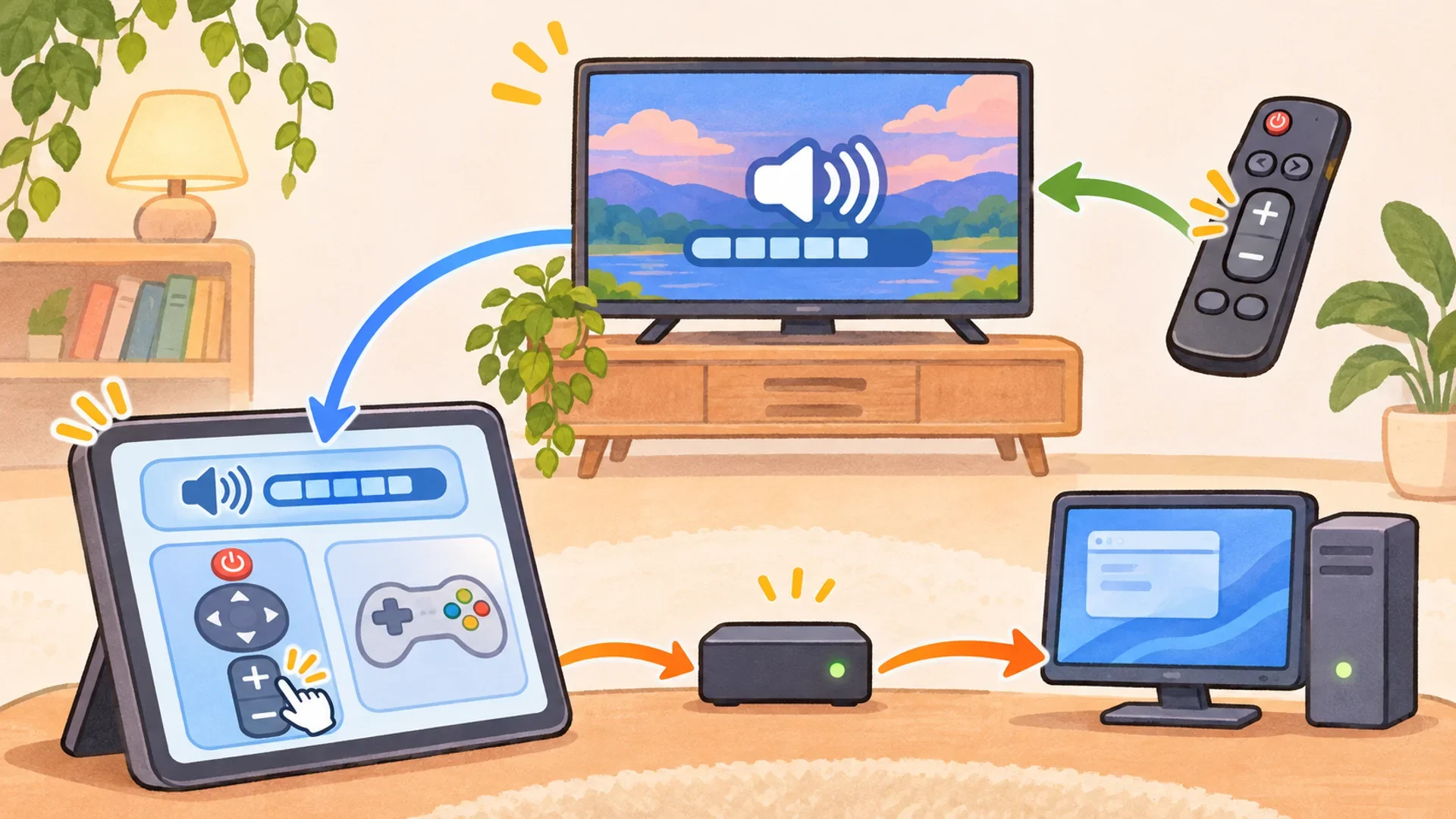
The panel can show the TV screen in real time, and it also supports mouse clicks. 1
The work AI reduced—and the time he put in himself
The writer estimates that the project took about 10 hours in total. He says most of that time went into configuring the console emulators. The result may look simple when launched with a single button, but this is a case where preparing multiple gaming environments and controllers accounted for a large share of the work. 1
AI didn’t make every decision or solve every problem for him. The writer noted that Claude sometimes went in the wrong direction or left obvious bugs behind, and sometimes suggested fixes that failed to address the root cause. He still had to keep checking the results, but felt that AI reduced the time needed to solve the original problem and made it easier to take on additional features. 1
The writer already had a desktop PC connected to the TV and experience using development boards. So anyone hoping to achieve the same result should account not just for getting a remote, but also for the time involved in configuring the PC and building the device. 1
Conclusion
Even without connecting directly to the internet, this old TV became a screen for launching videos and games by linking it to a PC and remote-control signals. But behind the convenience of a single button were the work of building a device and configuring software. When making use of an old TV at home, it’s worth considering not only the TV’s own smart features, but also whether you can connect a PC and how much time you’re willing to spend on setup. 1
What’s been the most cumbersome part of using a TV connected to a PC at home?
References
- Making a dumb TV just smart enough · qsantos.fr↩