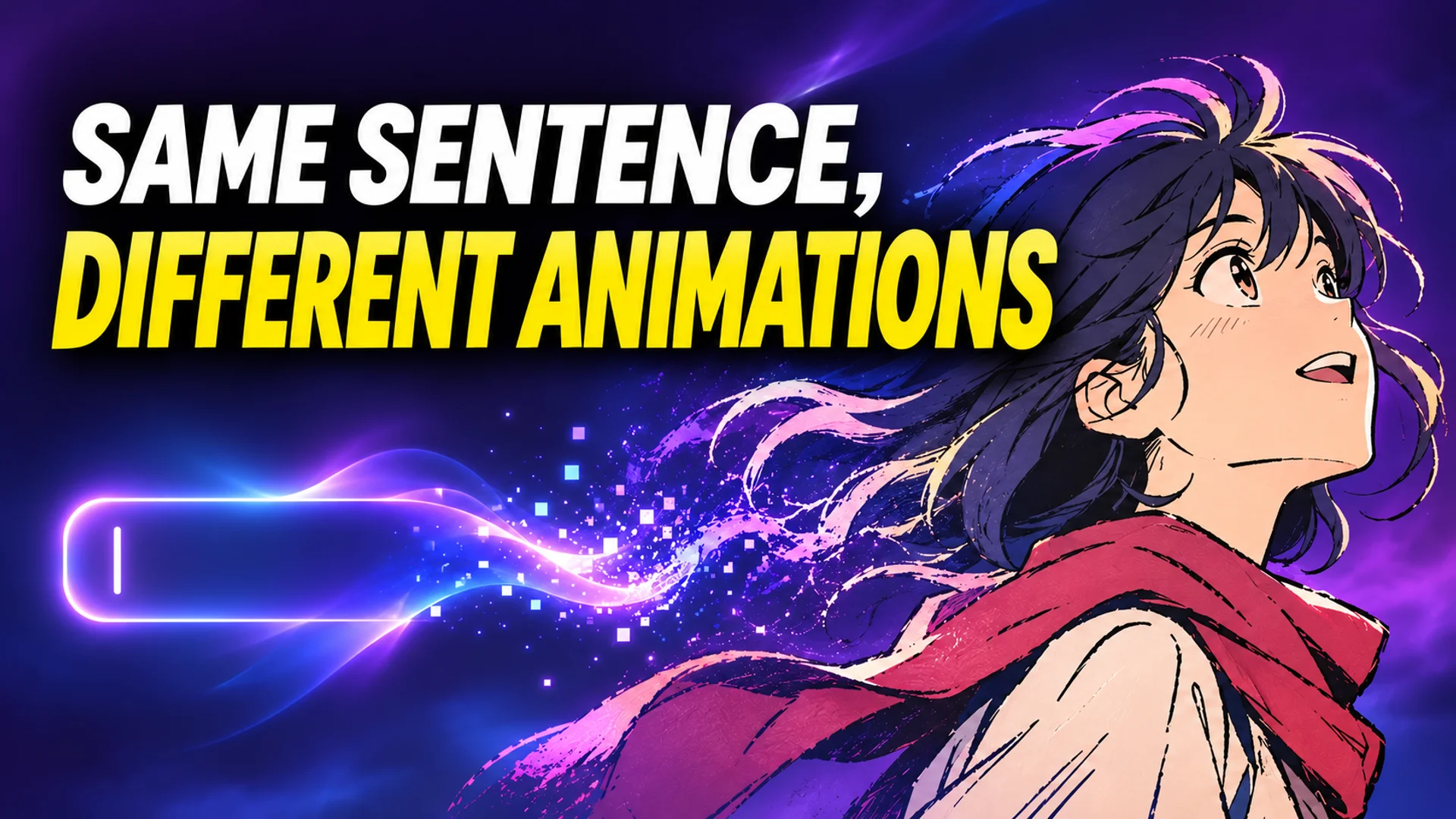
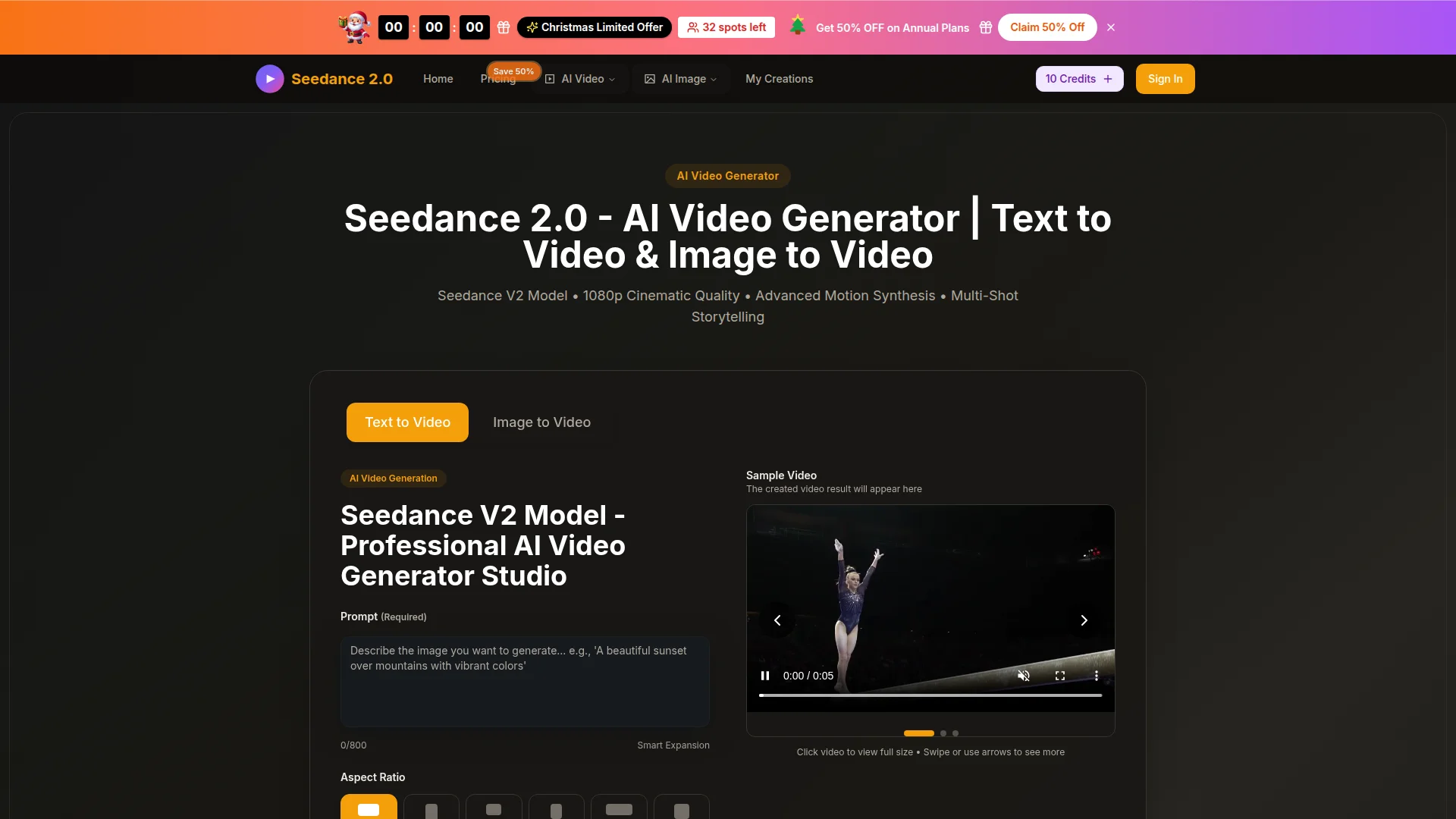
Type a single prompt, and in sixty to one hundred twenty seconds, you get a five-to-ten second video clip. Because AI generates the video from text alone, anyone can try their hand at short animations without complex editing skills or expensive equipment. However, when aiming for animation, what matters is ‘which tool’ you use. Most AI video models have a default tendency to prefer photorealistic footage, making it difficult to maintain a ‘drawn look’ that resembles hand-drawn art.
How AI Video Generation Works: The Process of Transforming Text into Visuals
AI that transforms text into video uses a process called ‘Diffusion.’ Initially, the entire screen is filled with random noise, and the AI gradually removes and refines that noise to create finished frames that match the input text prompt 1.
In this process, the AI generates multiple frames and then connects the shapes and movements of objects seamlessly so that consecutive frames flow naturally. This is described as enforcing ‘temporal consistency.’ Finally, the image is upscaled to high resolutions such as 1080p to produce a sharp video file five to ten seconds long 1.
A key characteristic is that it requires no specialized video editing knowledge from the user. The only ‘skill’ needed is to specifically specify the subject (characters or objects), action (movement), visual atmosphere (style), perspective (camera), and time of day (lighting) in the prompt. The more specific you are—for example, “a woman in a red coat walking among fallen leaves on a gravel path during golden hour, tracking shot” rather than just “woman walking”—the closer the result will match your expectations 1.
Why Animation Is Difficult for AI: Models That Lose the Line Work
Simply choosing any AI video tool will not produce the same animation results. Animation is one of the most challenging styles for AI to handle. Testing conducted by the OpenArt team in 2026 on major video generation tools, tailored to their animation characteristics, confirmed that most models instinctively pursue photorealistic rendering (Photoreal) and lose the ‘drawn look’ 2.
Real animation is characterized by clear outlines and flat coloring. However, AI video models have a strong tendency to generate realistic lighting, where light reflects off surfaces, and 3D textures by default. As a result, when only text is input, the screen becomes smooth like a ‘3D cosplay’ or a game cutscene, and the flat, hand-drawn feel disappears 2. Therefore, when creating animation, one must clearly distinguish between models that maintain this ‘drawn look’ throughout and those that offer good motion but fail in style consistency.
Results That Vary by Model: Options for Maintaining Line and Color Work
When extracting short five-to-ten-second clips using specific prompts, the nature of the animation output varies drastically depending on which engine you choose.
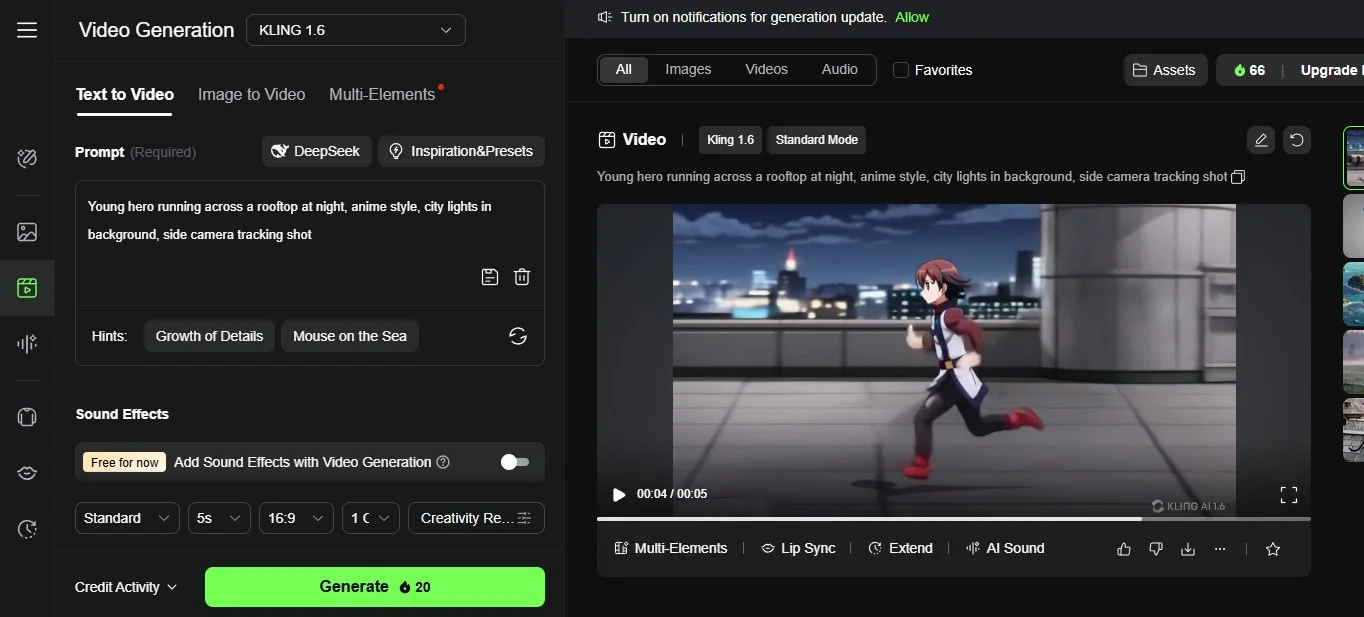
If you want a ‘cel animation feel’ with distinct lines and flat coloring, the Wan model is useful. This open-source model, developed by Alibaba, is rated as the most stable in maintaining outlines and flat coloring even while characters are moving 2, 3. By selecting Wan on platforms like Seedance, where multiple AI models can be chosen from a single interface, you can expect good styling for short clips focused on static dialogue or atmosphere.
Conversely, for short action scenes where intense movement is crucial, you can choose Kling. In OpenArt’s tests, Kling demonstrated the smoothest implementation of dynamic camera movements and animation-specific ‘impact frames’ (effects that emphasize the screen as if freezing) while adhering to physical laws 2. While its strength in motion is recognized, its style may not be maintained as flatly as Wan’s.
If you want speed and audio, Seedance is suitable, and if you wish to focus on rapid experimentation, you can use Pika. ByteDance’s Seedance is advantageous for mass-producing short clips and generates native audio (sound effects, music, etc., created along with the video) during video generation 2. Tools like Pika are suitable for rapid experimentation with flashy transformation effects in a short time, but they have limitations in maintaining refined animation styles 1, 2.
| Category | Features and Recommended Uses |
|---|---|
| Wan 2.7 | Best at maintaining line art and flat coloring even during movement. Ideal for scenes where style retention is the priority 2, 3 |
| Kling | Strong in dynamic action and smooth motion adhering to physical laws. Advantageous for battle scenes, etc. 2 |
| Seedance | Characterized by fast generation speed and native audio generation alongside video. Advantageous for mass-producing short clips for SNS 2 |
Access methods via free credits also vary by tool. The Seedance platform supports three to five video generation credits per day, 1080p quality, and watermark-free output even for free users 1. In contrast, Pika provides about ten credits per month, and Runway offers only a one-time grant of 125 credits upon sign-up, imposing constraints on repetitive testing and animation generation 1.
The ‘Consistency’ Barrier to Know When Wanting Complex Animation
Using free credits to generate five-second clips from text alone is something you can start right now. However, when you need to create a story by stitching together multiple scenes rather than just one, the issue of ‘character consistency’ arises.
Many AI video models generate each scene probabilistically from scratch 4. Even if you specify “a woman with short black hair wearing a brown jacket” in the prompt, the AI interprets and draws a new character or outfit that falls into this category on the spot every time. Consequently, the character’s facial outline, detailed clothing description, and body proportions may change between the first and second scenes 4.
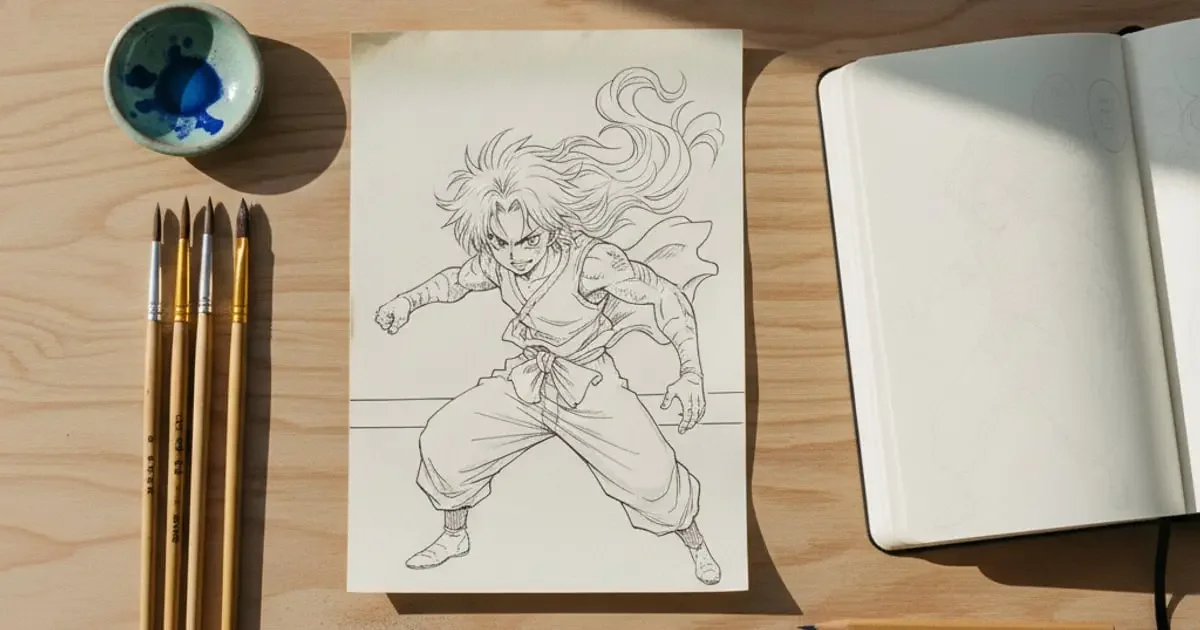
To solve this problem, developers recommend an ‘Image-to-Video’ workflow, where you first create a still image and then convert it into a video. Rather than transforming text into video in one go, confirming a still image first and then animating it is much more effective at preventing style breakdown 3. Additionally, the latest tools accept multiple reference images, allowing a single character to be repeated across multiple shots. For example, Seedance can ensure character consistency by allowing up to nine reference images, along with video and audio files, to be included when generating a single shot 3.
If you want to create animation right now, we recommend accessing a platform that generates videos solely from prompt input, selecting Wan, entering a sentence that specifies the subject, action, style, camera, and lighting, and then pressing generate in a 9:16 ratio. After just two or three quick iterations, you can see how well the ‘drawn look’ comes through. However, keep in mind that if you need to expand the results into a series, a step involving pre-defining character images is necessary beyond just text input.
References
- 텍스트 투 비디오 AI 무료: 텍스트로 동영상 만드는 완벽 가이드 · seedance.tv↩
- ↩
- ↩
- ↩