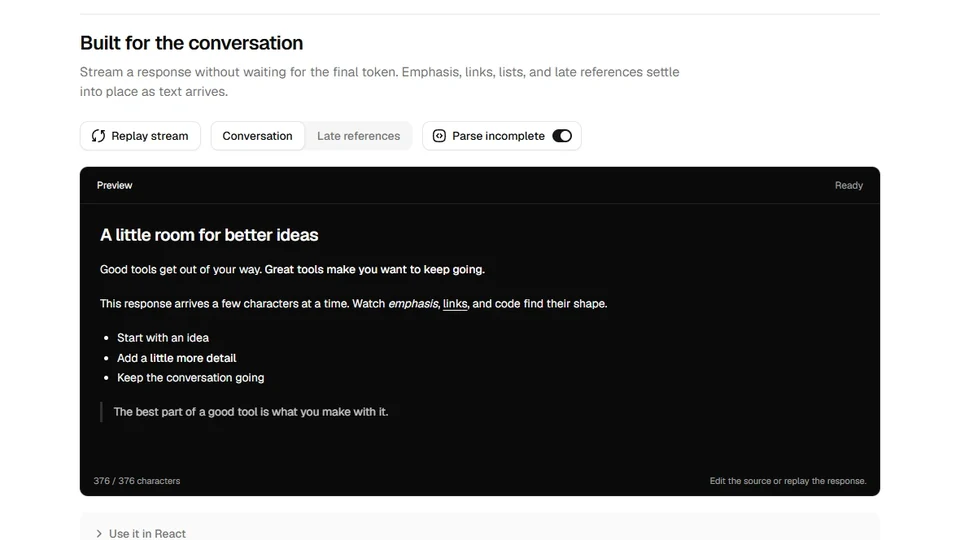
When AI answers arrive gradually rather than all at once, Markdown tables and code blocks can appear on screen before they’re complete. Pierre’s Markdown renderer, Words, handles this by separating content that’s finished from content that may still change. Pierre’s demo lets you replay an answer containing sentences, a table, and code to see how it works. 1, 2
Sentences Already Received and New Sentences
Pierre’s HTML session example contains First paragraph., followed by a blank line and Second. The first paragraph goes in stable, which holds completed blocks, while the following Second goes in pending, which may still change. When Second paragraph. arrives, the trailing section grows. The two parts are combined in html, which is used on screen. 1
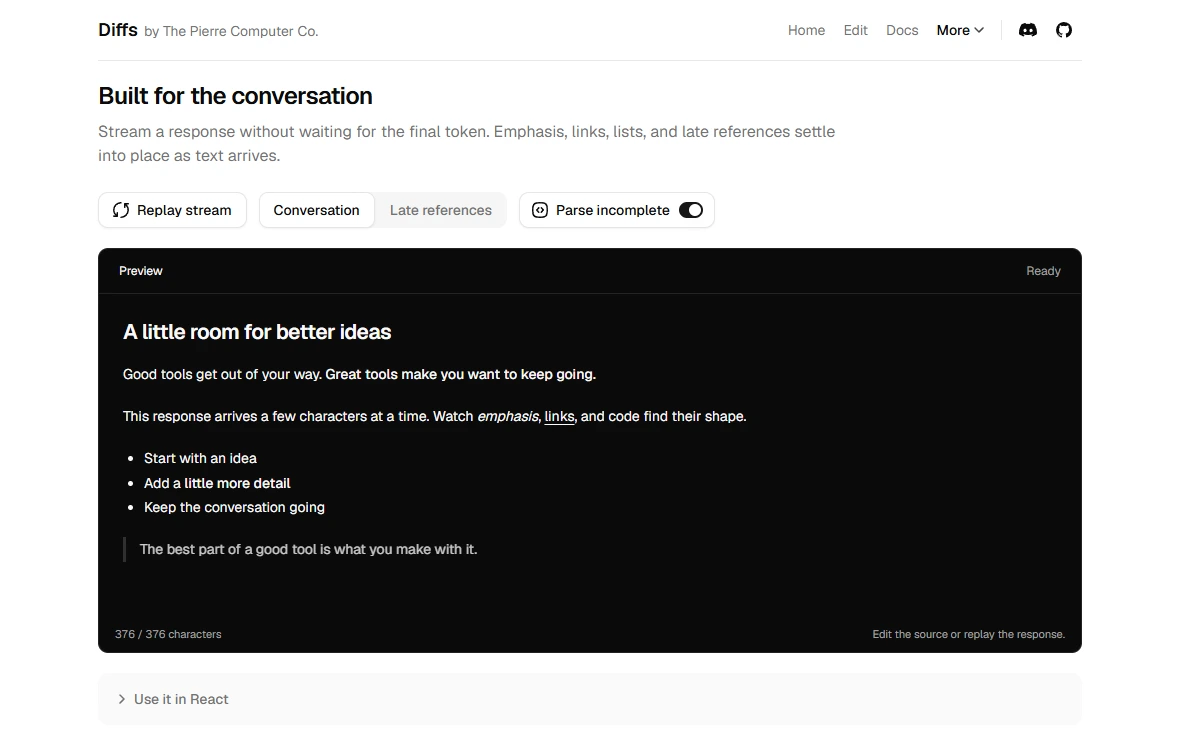
Image source · Pierre · Demo screenshot
When text is appended, completed blocks are reused. Depending on the conditions, a one-line paragraph or a top-level code block can also have new content appended incrementally. But if existing content is edited or link definitions are added, the whole thing may be rendered again. It doesn’t always process only the new characters. 1
Answers Containing Tables and Code
Replaying the longer sample in the Words demo shows tsx code appearing first, followed by a two-column table. The code contains an example of passing text and streaming status to the Markdown component. In the table of the preview once playback is complete, Tables, tasks, and footnotes appears next to Markdown. 2
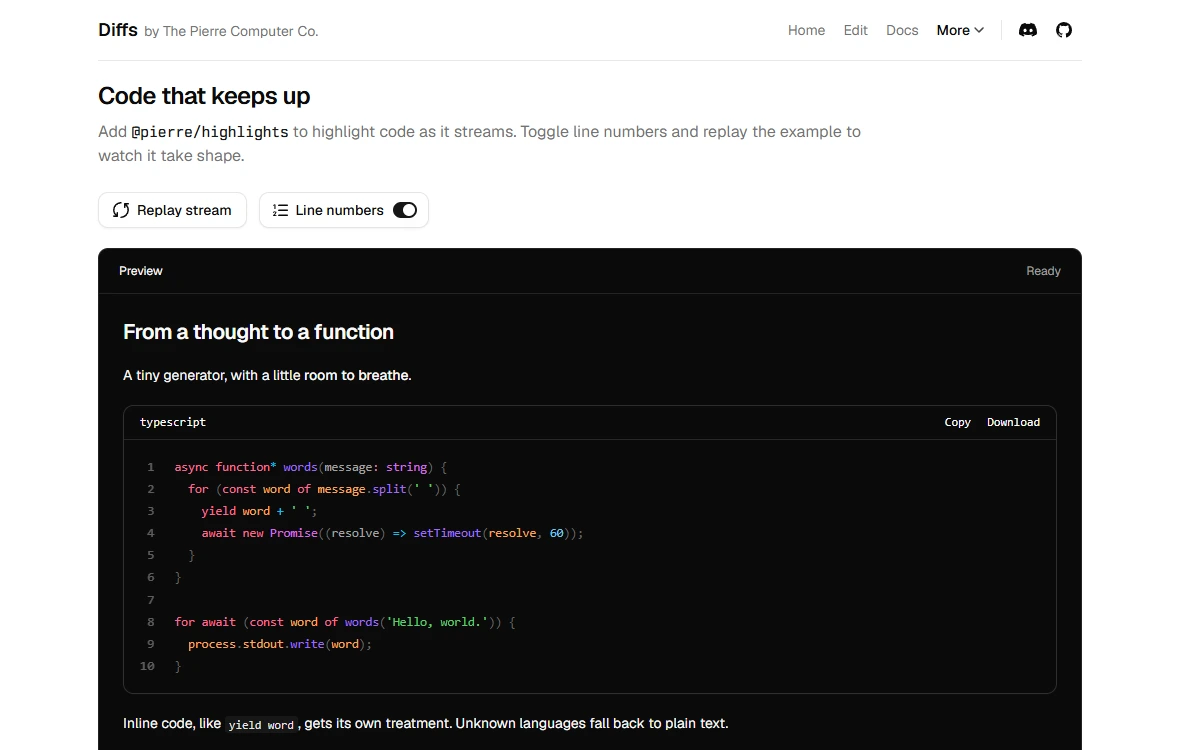
Image source · Pierre · Demo screenshot
Replay the sample and you can see content arrive without waiting for the full answer. In the React example, each update passes in the entire Markdown string received so far, and isAnimating stays enabled while text is streaming in. Words temporarily completes unfinished emphasis, inline code, and links, and hides incomplete images. 3, 2
Regular code blocks show the content received so far, even if the closing marker hasn’t arrived yet. In the HTML session, this open block is rendered as an pre element with data-markdown-incomplete attached to indicate that it’s incomplete. Replay Pierre’s code demo to watch the code take shape; you can also toggle line numbers on and off. Syntax highlighting is optional and requires an additional plugin. 1, 2
Some Blocks Wait Until They’re Closed
Unlike regular code, registered interactive component blocks are excluded from the preview by default while streaming. Pierre’s demo includes an Votes counter, which appears once the closing marker arrives. Until then, you can configure a placeholder to reserve space. 1, 2
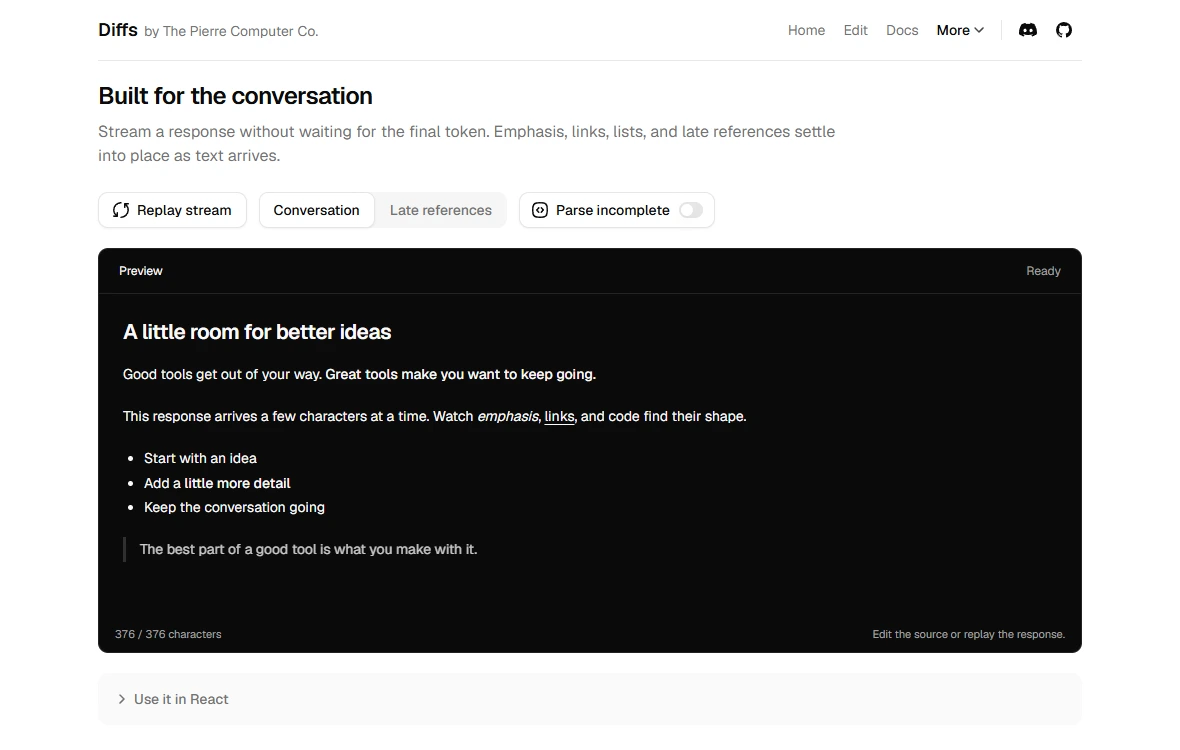
Image source · Pierre · Demo screenshot
After the counter appears, you can click its button and edit the sentence above it. According to the demo description, if the counter’s id remains the same, its state is preserved even when the sentence is edited. This illustrates the distinction between showing new text and preserving the state of a component that has already appeared. 2
Conclusion
While text is arriving, Words separates the parts whose place is already settled from those whose meaning may still change. That’s what lets you read sentences before the answer is finished. 1
Would you rather read a table’s first row as the answer is being written, or have the table appear only once all its columns are aligned?
References
- ↩
- Words, from Pierre · diffs.com↩
- raw.githubusercontent.com/pierrecomputer/pierre/main/packages/words/README.md · raw.githubusercontent.com↩