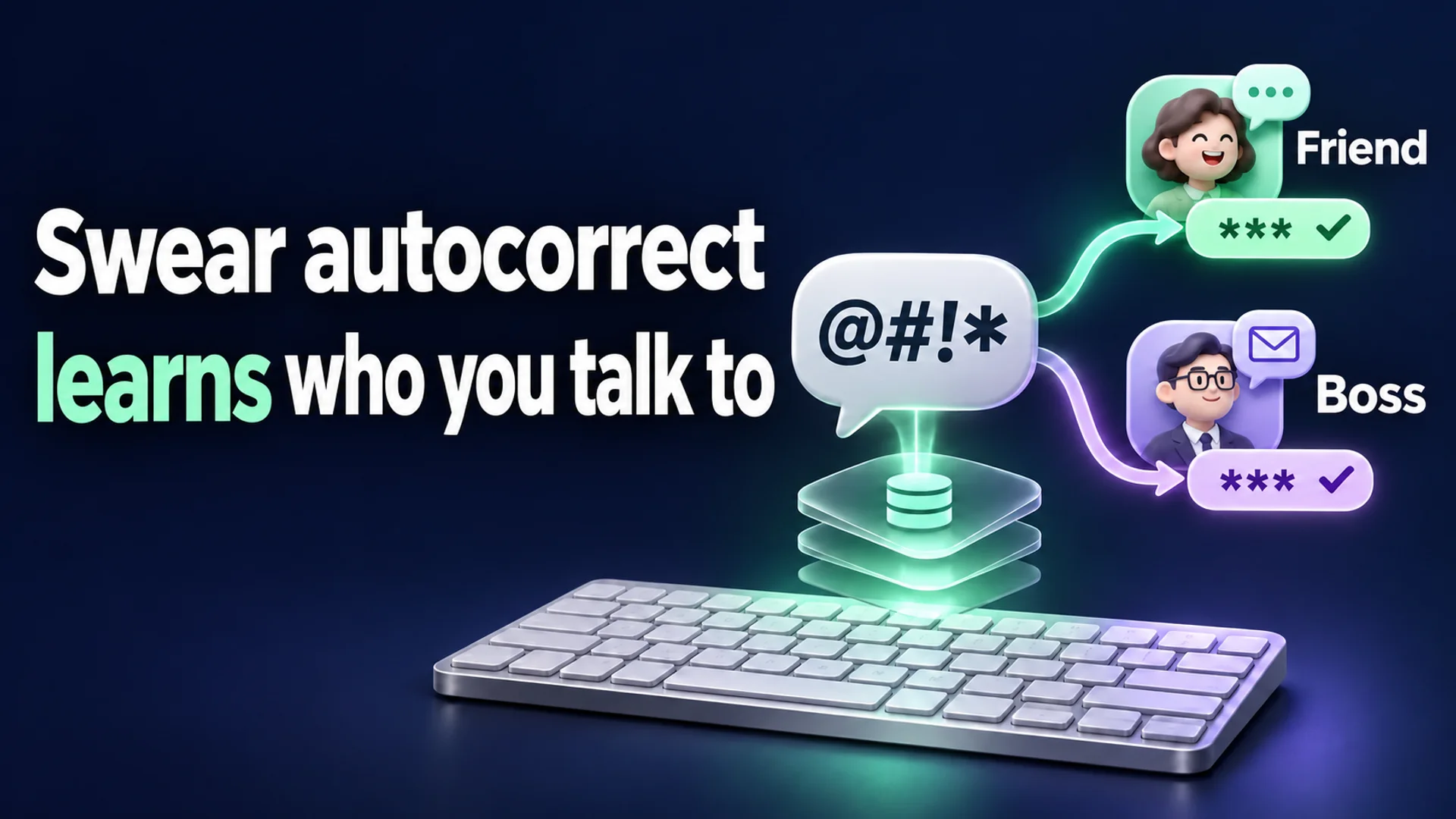
A researcher using the nickname Helgesver conducted an experiment in a macOS 15.6 environment, using the agent-desktop feature of an AI agent (Claude) to insert the phrase 'well fuck this shit, damn it.' into the TextEdit application and also testing with individual key presses. However, no new lines were added to the internal system file VulgarWordUsage.db, and the file's last modification timestamp did not change either 1. This is not because macOS unconditionally blocks profanity. The system records not the event of a user 'typing' a profanity, but the moment the user refuses the keyboard's attempt to change the profanity to another word (e.g., 'ducking') and maintains the original term 1.
Instead of handling words via a simple ban list, macOS assesses the context of the app and recipient to adjust the level of autocorrect intervention. An expression naturally permitted in a messenger chat with a friend might become a target for correction in an email to a supervisor. This article examines in detail how these differences occur and the structure by which the system learns user intent based on specific criteria.
Lexicons that regulate 'suggestions' rather than block inputs
To understand macOS keyboard autocorrect logic, one must clearly distinguish between the system's Lexicon, which classifies words, and the learning database that accumulates whenever users use those words. Helgesver analyzed the private system framework Lexicon.framework to extract the flags Apple internally assigns to words. Investigation revealed that out of 199,019 entries in the US English (en_US) lexicon, 4,271 were classified with flags related to profanity 1. Since Apple does not explicitly state this classification in official documentation, these names were derived by reverse-engineering the actual usage context of the words and adjacent enums within the system code 1. This classification is broadly divided into three tiers.
- vulgar (Profanity and sexual slang): Comprises 1,050 words such as 'fuck', 'shit', and 'crap'. The most direct profanities belong to this category 1.
- offensive (Group slurs): Includes 663 insulting expressions targeting specific races or social groups, such as 'asshole' and 'Oriental' 1.
- sensitive (Sensitive expressions): Contains 2,558 terms suitable for avoiding preemptive suggestions in everyday conversations, covering topics like drugs, politics, disease, and bodily functions, including 'damn', 'abortion', 'gun', and 'suicide' 1.
Interestingly, these flags are not used to forcibly block (censor) user inputs. If a user directly types a word, the system accepts it as is. The researcher explains that this classification system appears to be used to suppress the keyboard from proactively suggesting these words in the QuickType (predictive input) bar 1. In other words, the keyboard is managed so that it does not suggest profanity unless the user inputs it first. Additionally, eleven topic-specific bitmasks (excretion, politics, religion, etc.) exist separately to further subdivide the nature of the words 1.
The same 'fuck' recorded separately if the context differs
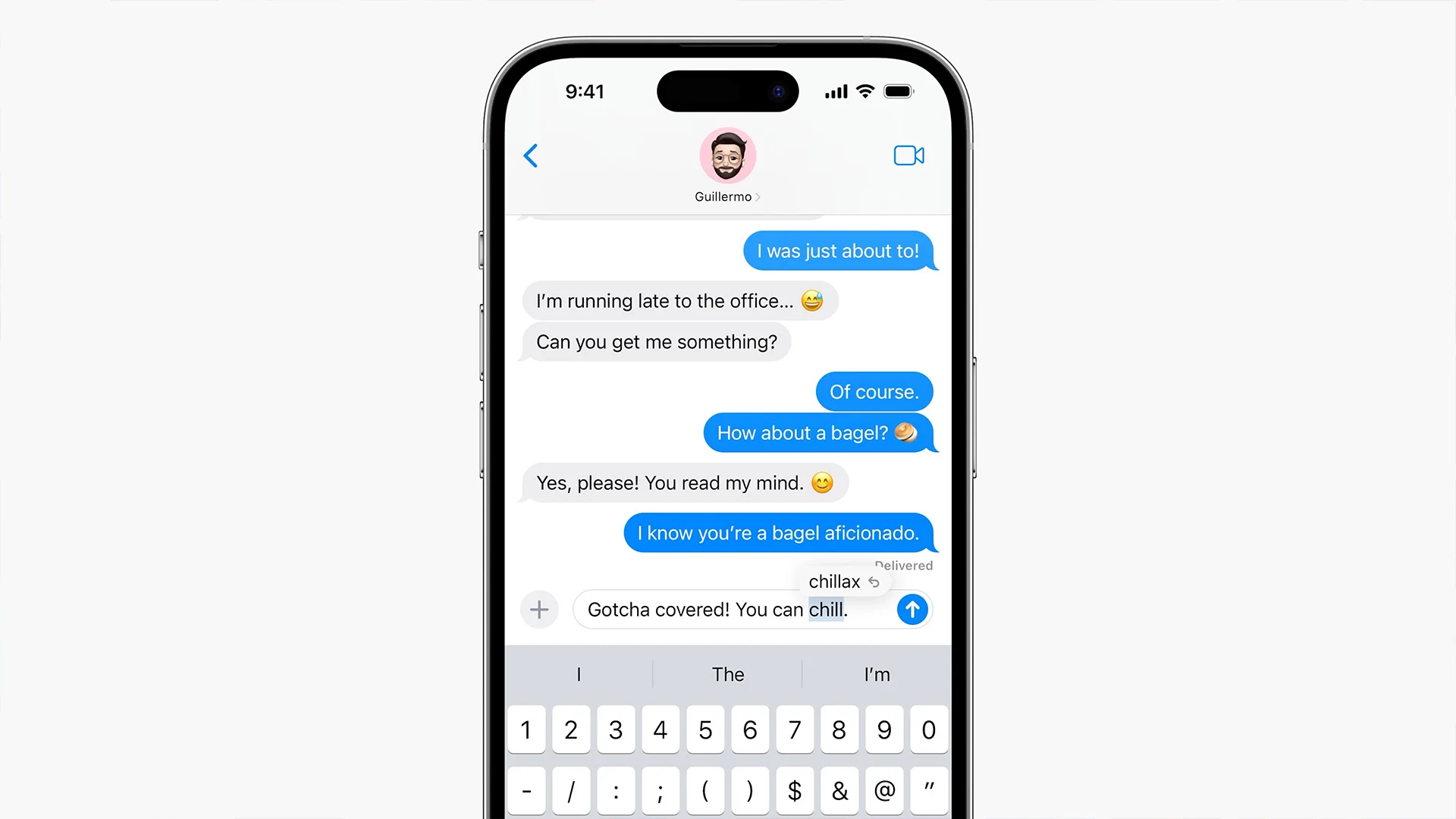
While lexicon flags handle the 'proactive suppression of suggestions' by the keyboard, a separate local database governs autocorrect when users intentionally use profanity. ~/Library/Keyboard/VulgarWordUsage.db is that file, which learns when, where, and in what context users maintained profanity 1.
The recording method of this database does not simply store the fact of 'profanity usage'. The unique index of the vword_usage table consists of a combination of the following four elements 1:
- App identifier: Distinguishes between programs such as the Messages app and the Mail app.
- Recipient identifier: Records the unique identifier of the conversation partner.
- Profanity itself: Stores the type of word used.
- Pronunciation notation form: The form in which the word is read (important mainly in languages where pronunciation is critical, such as Japanese).
Thanks to this four-key structure of (App, Recipient, Word, Pronunciation), even if the same 'fuck' is entered, sending it to a specific 'friend' in the Messages app and to a 'supervisor' in the Mail app can be distinguished as separate items within the system 1.
Functions such as set_current_app_id and set_current_recipient_ids exist within the system to determine the context in which the user is currently typing 1. When evaluating autocorrect candidates, a function called every_vulgar_word_is_allowlisted determines whether to allow profanity in that specific (App+Recipient) context 1. Once a context is learned as 'allowed', the system does not forcibly modify the user's input, and ambiguous alternatives like 'ducking' are not prioritized 1.
Why wasn't it learned when I typed a profanity?
Users often assume that the system learns profanity every time it is typed. However, Helgesver's earlier experiment (where no change occurred in the database when a correctly spelled sentence was input) clearly shows that the trigger for recording is not 'word input' 1.
Actual database recording occurs only when the following two conditions are simultaneously met 1:
- Intervention by autocorrect: The system (AppleSpell) presents a correction suggestion to change the user's typed profanity to an alternative expression like 'ducking'.
- User's refusal: The user ignores the suggestion and maintains the original profanity.
The sentence 'well fuck this shit, damn it.' entered in the experiment had correct spelling for all words. Since there were no spelling errors, the system had no reason to make correction suggestions (such as typo corrections or autocomplete suggestions), and consequently, no suggestion occurred for the user to refuse 1. As there was no suggestion, the increment_usage_count function was not called, and no changes occurred in the database 1.
In other words, macOS learns "this user insists on this word in this context (e.g., chatting with a friend)" only when the user 'overcomes autocorrect interference and preserves the profanity'. Apple announced at WWDC in June 2023 that iOS 17's autocorrect plans to learn the words users use most frequently, including profanities (TechCrunch) 2. While the source does not specify a direct causal relationship with the structure where macOS's VulgarWordUsage.db separates history by app and recipient, both systems share the same direction of 'respecting words users insist upon'.
A feature that can silently disable
This sophisticated learning structure does not always work on all Macs. In macOS environments, this feature can be silently disabled.
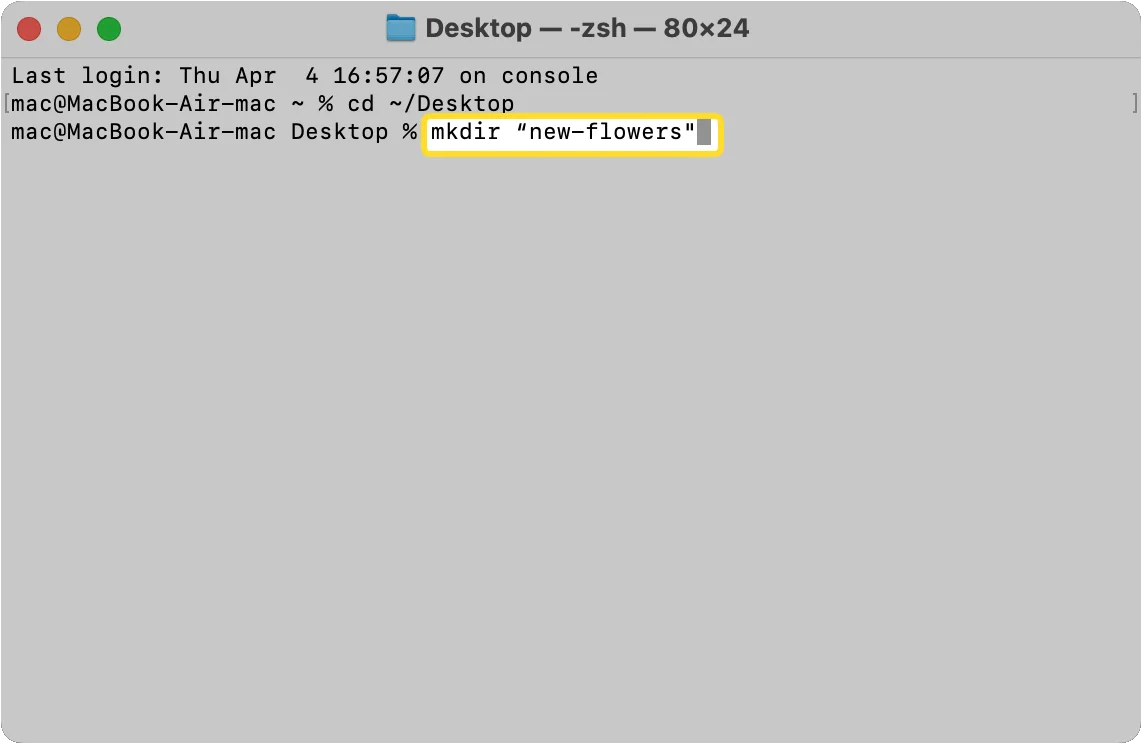
The most representative cause is the absence of the database file. The ~/Library/Keyboard folder, where VulgarWordUsage.db should be saved, may not be created by default in some macOS installation environments 1. The SQLite database engine creates the file if it does not exist, but fails to create it if the parent folder does not exist 1. In this case, the system internally logs an no such file or directory error but continues normal operation without displaying any error popup to the user, leaving the feature disabled 1.
Therefore, if the keyboard stubbornly suggests other words despite the user using profanity, or if corrections occur regardless of context, the cause may be a failure to create the database due to a missing folder. To resolve this, the user must directly create the ~/Library/Keyboard folder and restart the system autocorrect service (AppleSpell) 1.
macOS treats the same profanity differently depending on the recipient and app because suggestion control via lexicon flags overlaps with user refusal history separated by (App, Recipient) units. However, this judgment criterion relies solely on the user's 'refusal of correction' behavior, and one must also consider that context recognition may be impossible if the database creation conditions are not met. This system is essentially a sophisticated personalization tool closer to 'suppression of context-appropriate autocomplete' than 'censorship'.
References
- Apple의 단어 목록을 덤프해 봤다 | GeekNews · news.hada.io↩
- Thanks to AI, iOS 17 will learn your swears | TechCrunch · techcrunch.com↩