Password manager 1Password said that an intrusion into its internal systems exposed some customers’ names, email addresses and other information to attackers. Since the service stores passwords for multiple sites in one place, users may wonder whether they need to change every password they have saved. The company said attackers could not access vault contents or the keys protecting them, but urged users to be wary of unexpected messages claiming to offer help with account recovery or other matters. 1
1Password began investigating signs of an intrusion involving an employee account on November 19, 2026, and announced details of the incident on November 25. 1
From an employee account to customer information
According to 1Password, the attacker accessed an employee’s company GitHub account. GitHub is a service developers use to store and manage program code. The attacker used the account to access source code and upload malicious code to the service’s backend systems. The company said that code downloaded administrative data about some customers. 1
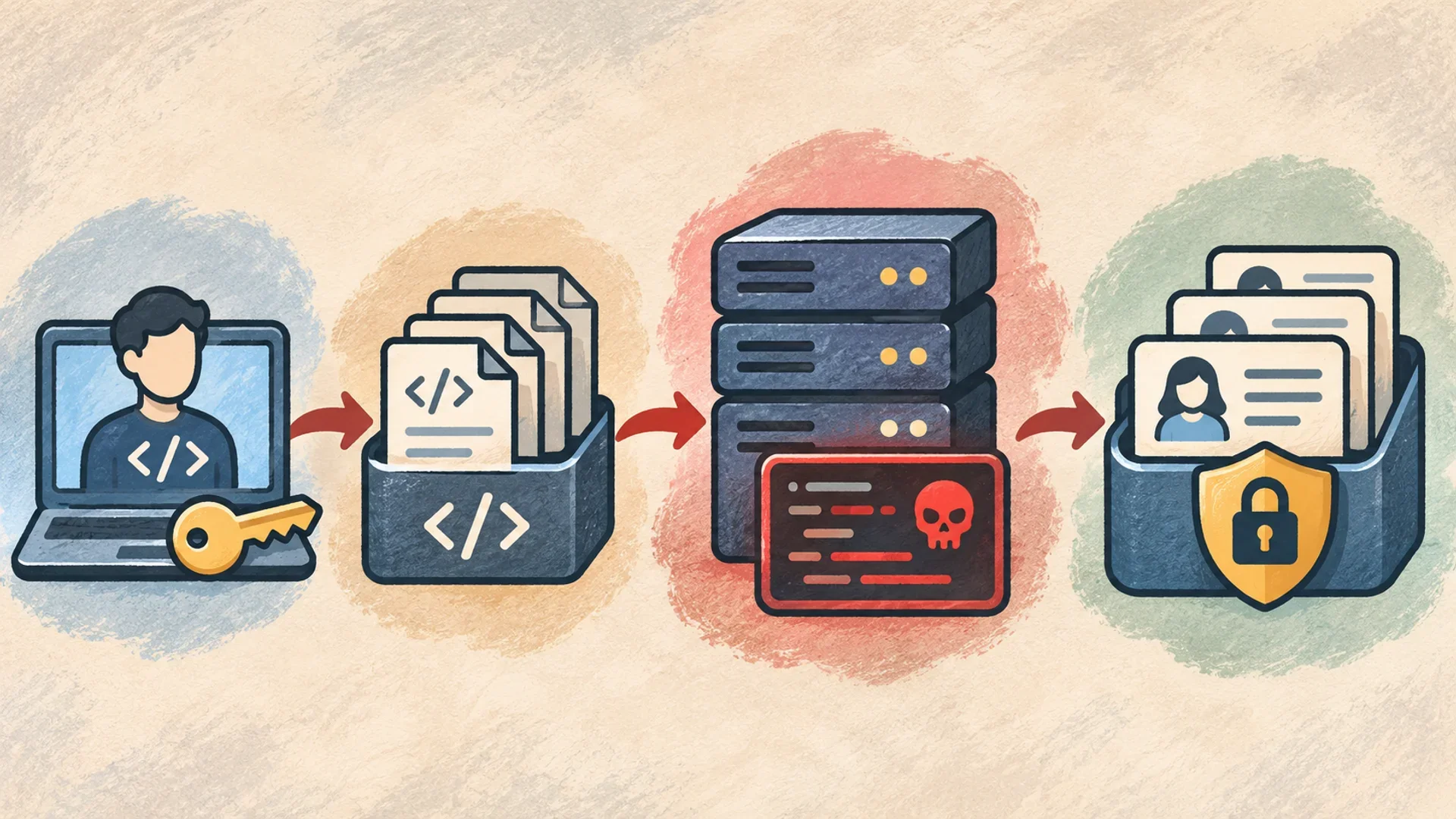
The downloaded records included names and email addresses, as well as account and user identifiers, account creation times, and last login times. They also included public keys and some settings used for account authentication. The company said public keys are intended to be public and that the authentication settings alone could not be used to access accounts. Some tokens contained in links in invitation and account recovery emails were also included. 1
The attacker also copied private source code and accessed the CI/CD system used to build the code and deploy it to the service. The company said the source code did not contain customer data or user secrets, but the CI/CD system did contain internal secrets needed to operate the service. It said it replaced or revoked internal credentials that may have been exposed, and deactivated the compromised employee account and stolen tokens. 1
Can a leaked link alone be used to access an account?
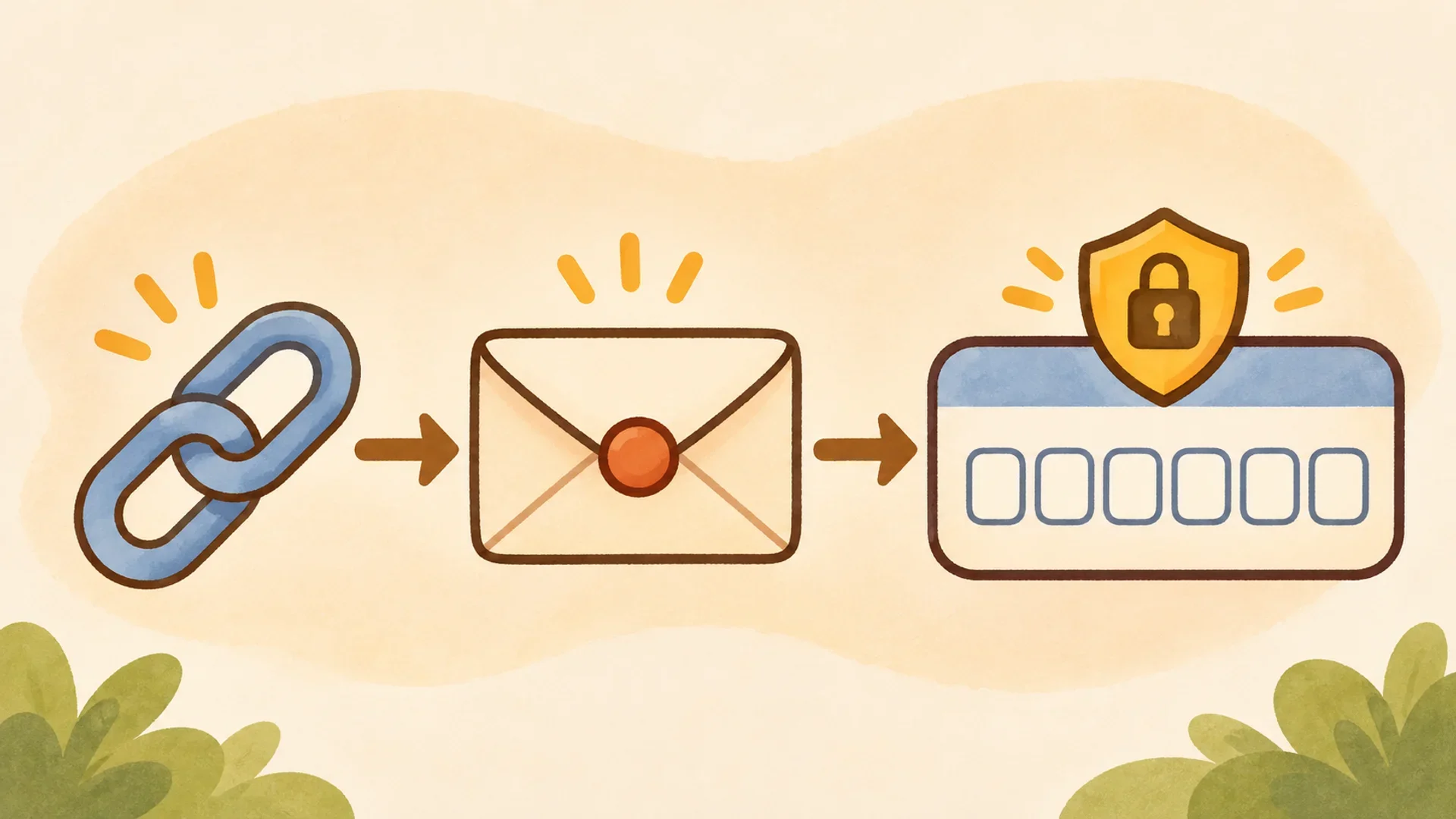
A token is an identifier used to continue an invitation or recovery process through a link. It is worth noting that these tokens were among the leaked items, alongside names and email addresses. However, 1Password said a token alone could not be used to access an account. Completing the process also required a separate SSO login—that is, a login through another authentication system—or a verification code sent to the registered email address. 1
The company said only a small number of users were in the middle of such an invitation or recovery process at the time, and that it had notified them individually. The invitations in question are used by organizations to add users to accounts. The company also said its internal investigation found no evidence of account takeovers or compromises using the exposed account registration tokens. 1
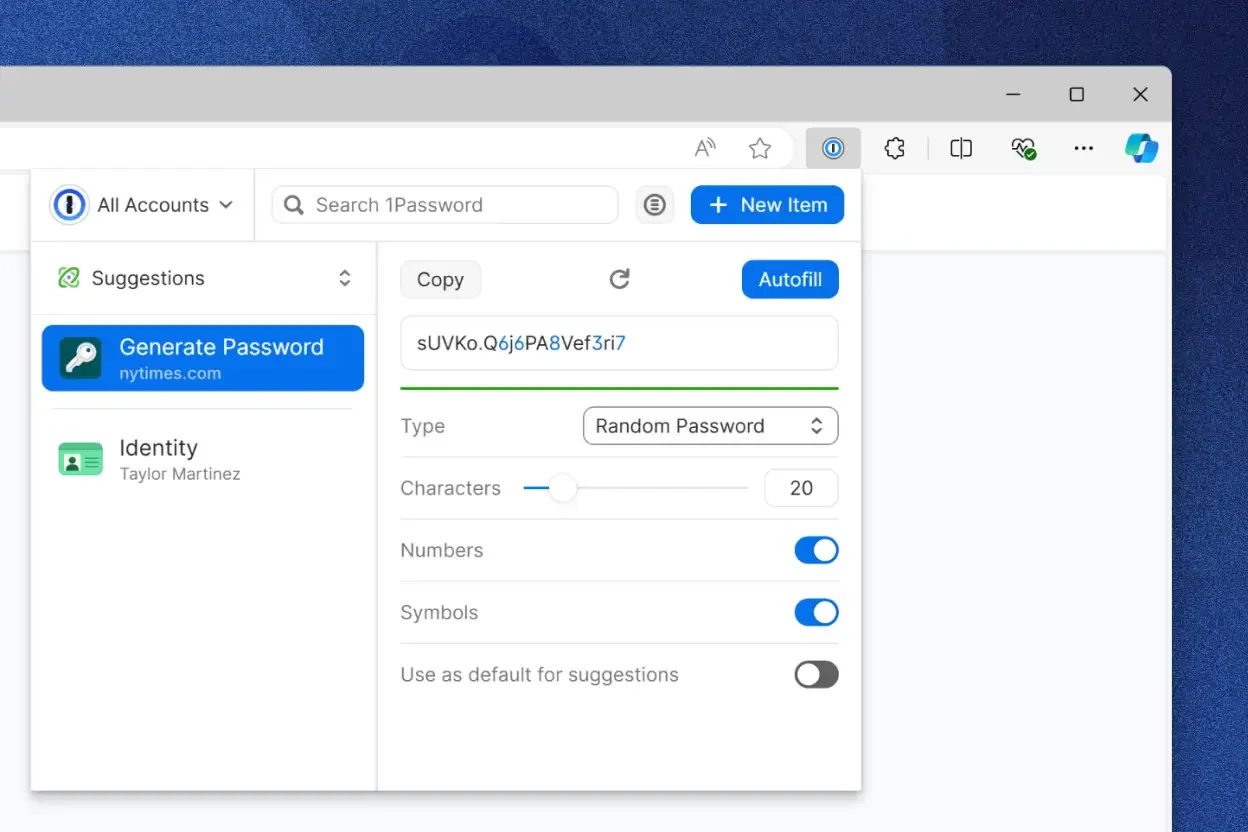
As an additional security measure, the company also changed its email verification codes. They were previously six-digit numeric codes; they are now 10 characters combining letters and numbers. The company said the change is intended to make it harder to guess a code by repeatedly trying random possibilities. 1
How are vaults and Secret Keys different?
1Password said that customers’ vaults and the items in them, the keys protecting the vaults, and account recovery keys were not affected by this incident. The company also listed its apps and browser extensions as unaffected. 1
According to the company, secrets in a vault are encrypted using keys held by the user. Encryption transforms information so that it is difficult to read without the designated key. A 1Password account password and a separate Secret Key work together to protect data, and the company said it does not store either the account password or the Secret Key. 1, 2
The Secret Key is needed the first time you sign in on a new device or browser. According to 1Password’s support documentation, users can find it on a device they have used to sign in and in the Emergency Kit, a recovery document for emergencies. It is not a backup code that can sign you in if you forget your account password, so the Secret Key and account password should each be kept secure. 2
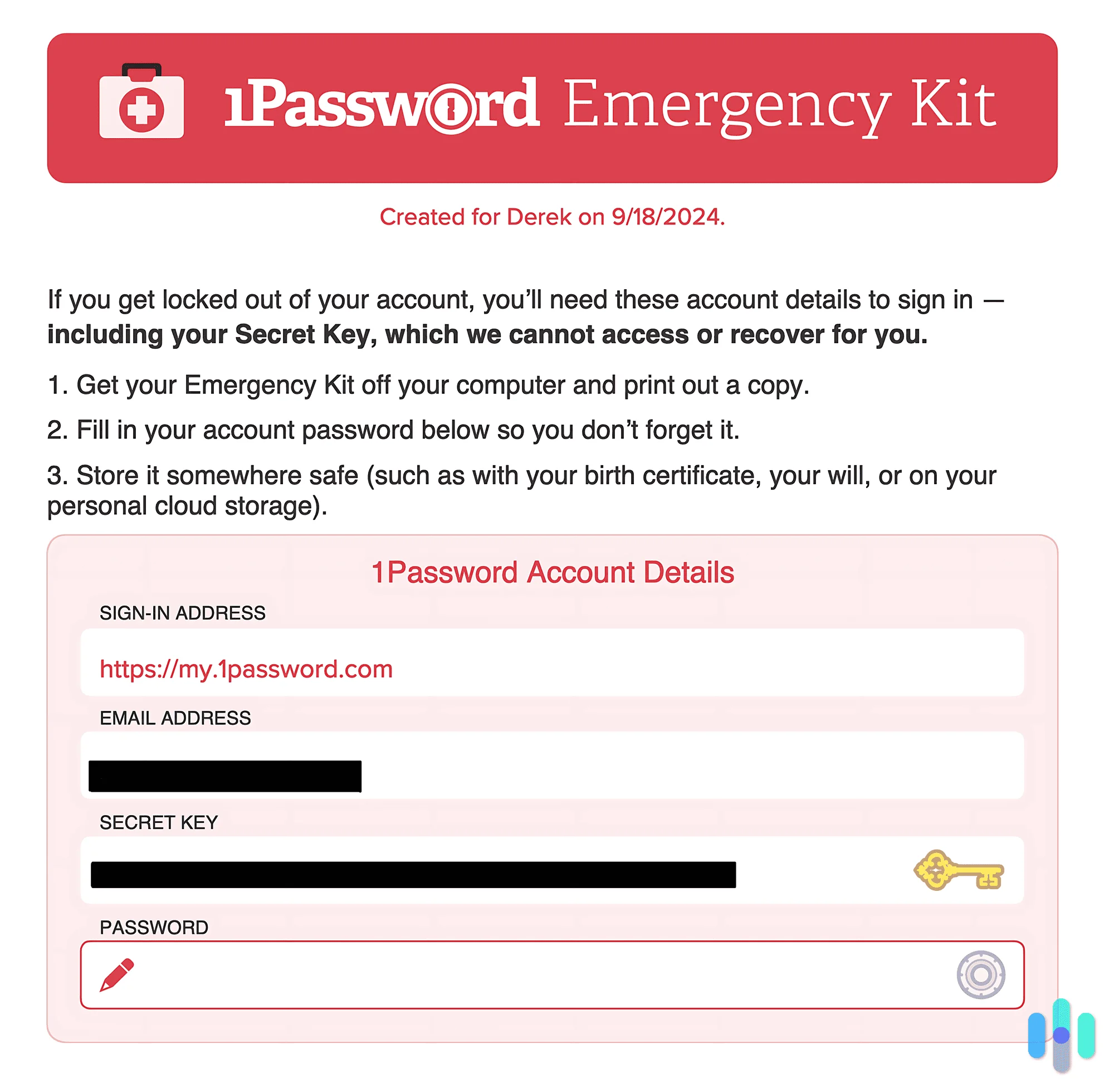
Image source · www.security.org
What messages to check and where to enter information
There is no recommendation to change all the information in your 1Password account or to update every password stored in your vault solely because of this announcement. Digital Trends reported that 1Password said users did not need to update anything in their accounts. Still, since names and email addresses were among the leaked items, be cautious—as the company advised—about unexpected emails, texts, or calls mentioning 1Password, invitations, or account recovery. 3, 1
If you receive such a message, rather than entering your password through a link in it, check by opening the official app yourself or going to the official website by typing its address directly. 1Password said it will not contact users first to ask for their account password or Secret Key. It is especially important not to share either, even if a message appears to come from the company and offers to help with recovery. 1, 2
If you received an individual notification about an invitation or recovery process, it is best to verify the message through official channels. Suspicious messages can be reported to 1Password at support@1password.com. 1
In short
For example, even if you receive an unexpected email offering to help recover your account, do not enter your password or Secret Key through its link. You can check through the official app opened directly or the official website by typing its address yourself. 1
References
- ↩
- About your Secret Key | 1Password Support · support.1password.com↩
- 1Password discloses a backend breach, says vaults remain secure · digitaltrends.com↩