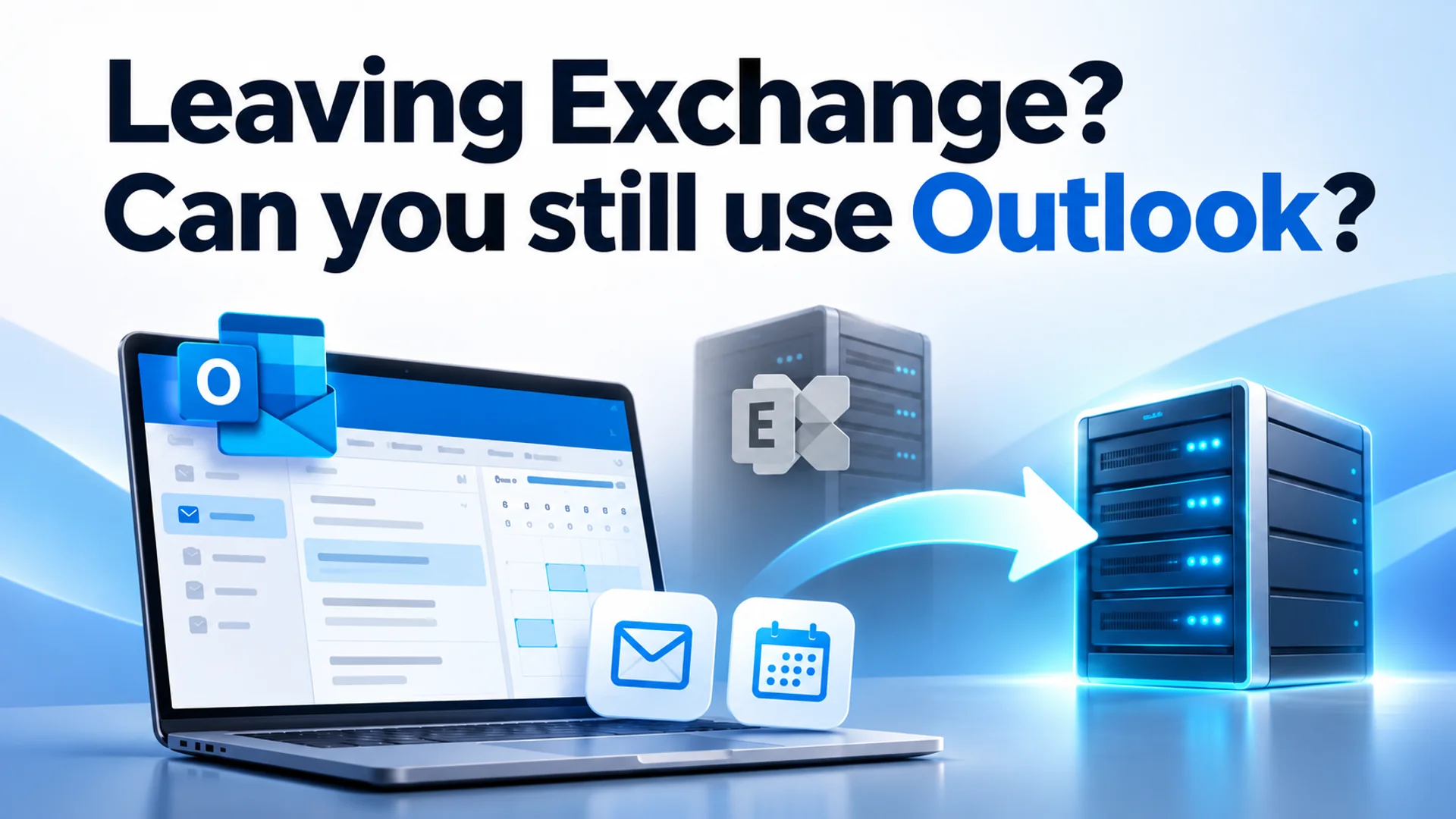
On Monday morning, employees open Outlook as usual and check their meeting schedules. Meanwhile, the company is planning to replace Microsoft Exchange, the server that stores and handles their email, with another product. Can employees keep using the email and calendar they had on Friday without learning a new program? 1
In an announcement on November 23, 2026, the project manager of Stalwart, a server for storing email, calendars, and contacts, said that its new version, 1.2.0, can replace an Exchange server while connecting to existing clients. However, this is a plan and feature description presented in a product announcement. It is not evidence from a verified company migration or a demonstrated disruption-free transition. 1
Options for companies looking to replace only their mail server
Exchange is Microsoft’s server product for handling not only company email, but also calendars, contacts, shared mailboxes, and more. Support for Exchange 2016 and 2019, which companies run on their own servers, ended on October 14, 2025. The Stalwart announcement cites reports saying that the additional security updates previously available for a fee also ended in October 2026. 1
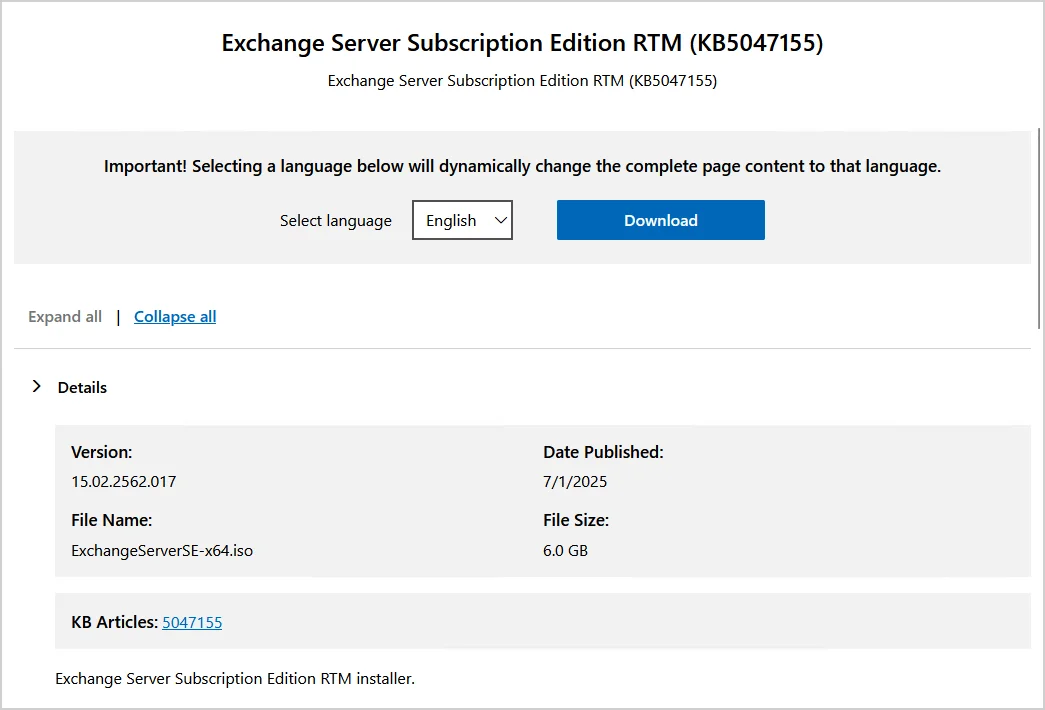
Image source · www.alitajran.com
The option of keeping a server on premises has not disappeared entirely. According to the announcement, Exchange Server Subscription Edition remains available as a supported on-premises product—that is, one operated in a company’s own environment. 1
Stalwart’s proposed approach is to support Exchange protocols directly—the rules that govern how servers and apps communicate. For example, it says it has implemented MAPI over HTTP, used by classic Outlook for Windows, and EWS, used by Outlook for Mac and other clients. The idea is that, once an administrator enables the feature, existing apps can connect to Stalwart in the same way they connect to an Exchange account. This support is included in the open-source community edition. 1
That differs from connecting through IMAP, which is used simply to read email. IMAP can keep mailboxes in sync across multiple devices, but it does not include calendar and contact synchronization through the same account. Stalwart says its Exchange connectivity provides calendars, contacts, tasks, and notes along with email. 1, 2
In an office with shared calendars
Imagine an office where an assistant manages other employees’ calendars and teammates share a mailbox. Here, a successful migration cannot be judged just by whether email arrives. Who can access which folders and calendars, and whether colleagues can see when someone is available for a meeting, are also part of the workflow. 1
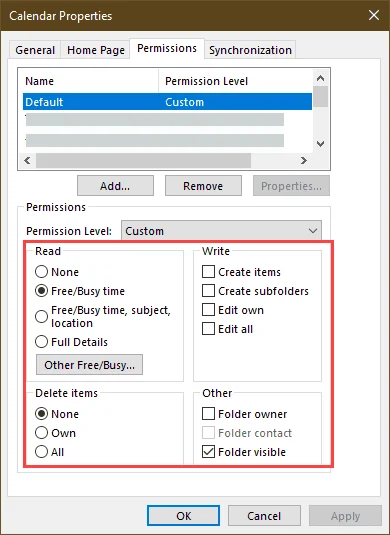
The Stalwart announcement says that connections from classic Outlook support delegated access, shared mailboxes, rules, and notifications. EWS connections include sharing and delegation, as well as checking attendees’ free/busy times. It says folder permissions set in Outlook are applied as Stalwart sharing permissions, and shared mailboxes open automatically for users who belong to the relevant group. 1
This does not create a separate mailbox for each device, either. According to the announcement, if a user moves an email into a folder in Outlook, its location is reflected in other mail apps on the same account; a meeting accepted on a phone also appears on the same calendar. Email rules created in Outlook are stored on the server and continue to apply to new messages after the app is closed. 1
But not every Exchange feature carries over in the same form. The announcement explicitly says that public folders, archive mailboxes, and mobile-device management are not provided. NTLM and Kerberos sign-in are also unsupported; users must use a password, app password, or OAuth. If an organization relies on public folders or its company sign-in system, it should check not only the list of supported features but also what is missing. 1
Same Outlook name, different connection methods
The situation changes if employees use the new Outlook app on Windows. Stalwart’s support list includes classic Outlook for Windows, version 2016 and later. The announcement says that the new Outlook for Windows does not support Stalwart’s Exchange connection, nor does it support on-premises Exchange accounts from Microsoft. 1
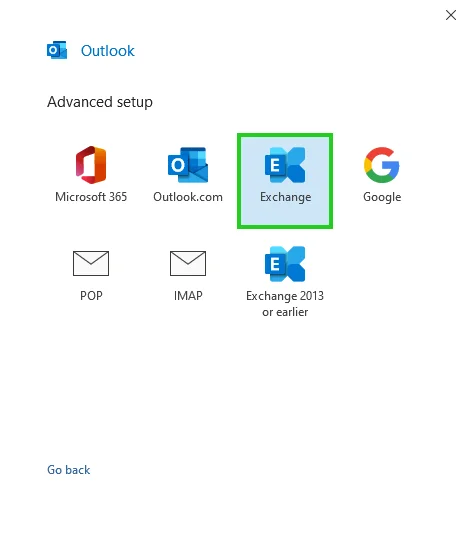
There is a way to add an on-premises server to the new Outlook as an IMAP account. However, according to the Stalwart announcement’s account citing a November 2023 report, instead of the user’s computer connecting directly to the server, the server name, username, and password are sent to Microsoft, and Microsoft’s cloud connects on the user’s behalf. Email also passes through that infrastructure before appearing on screen. 1
So if the purpose of running a server directly is to control the route taken by email and connection details, the fact that “you can add an account to the new Outlook” does not by itself mean that the desired conditions have been met. The Outlook app for phones also accesses on-premises mailboxes through Microsoft’s cloud services; the announcement says this requires a hybrid setup that also uses Exchange Online. By contrast, the built-in Mail and Calendar apps on Apple devices and other supported clients can connect to Stalwart using supported Exchange connection methods. 1
Through the day existing mailboxes are moved
Stalwart’s migration tool, Vandelay, can read email, calendars, and contacts from a self-hosted Exchange server. For Microsoft 365, it also provides instructions for importing those three data types and OneDrive files through Microsoft Graph. 1, 3
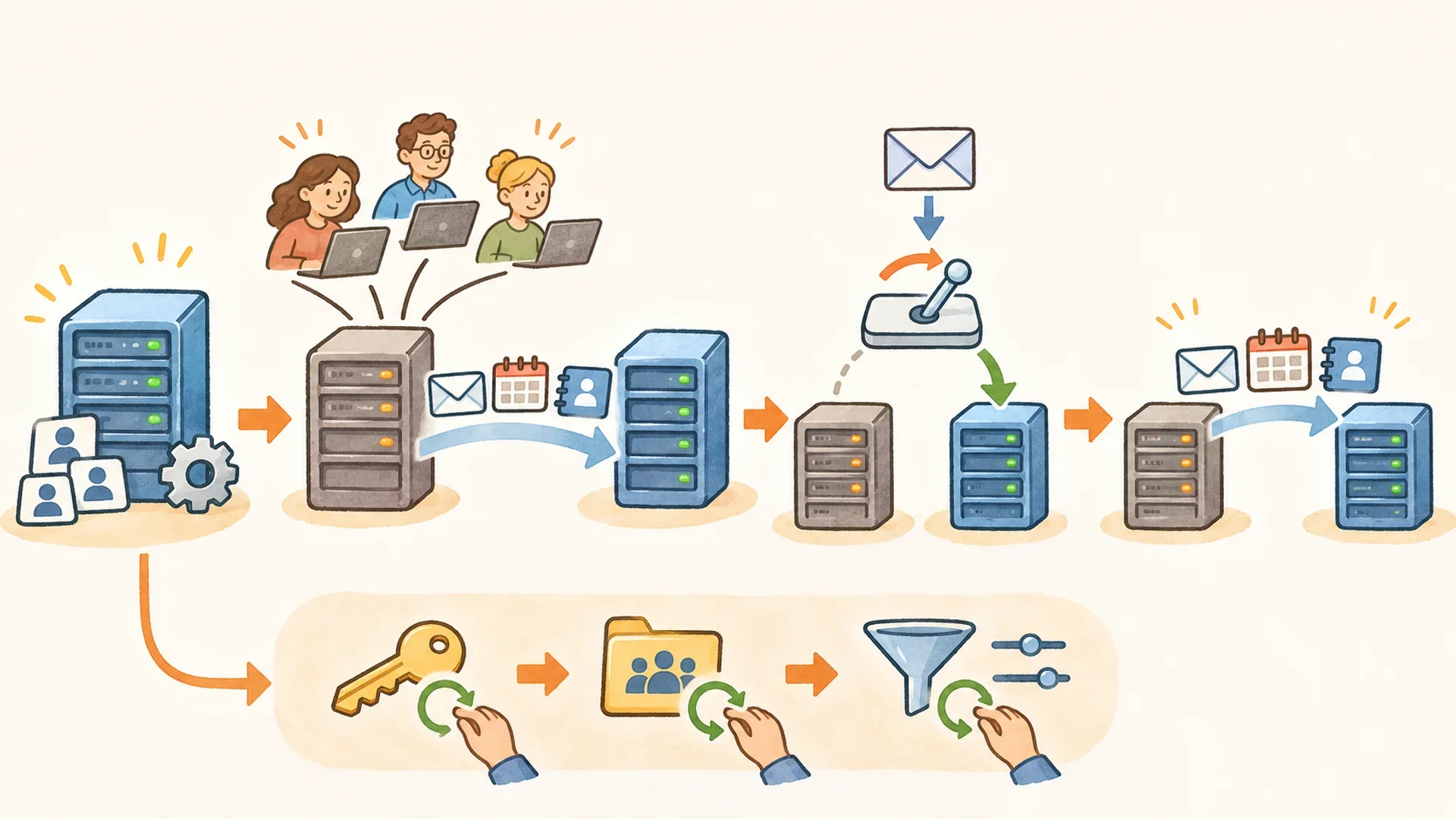
For a move from Microsoft 365, the guide lays out the following sequence. First, set up the domain and accounts on the new server, then copy the data while employees continue using the existing service. Next, change the MX record—which tells the internet where new email should be delivered—and update the app connection settings. Any messages that arrived at the old service during the transition are copied over one last time. 3
It would be unwise to assume employees will have no setup work at all. According to the guide, passwords for hosted services cannot be exported, so users must be given new passwords or use an external identity provider. Shared and delegated permissions, filters and rules created on the web, groups, and retention policies are also not carried over as-is and must be set up again. 3
The final copy also has limitations. It does not overwrite items already copied to the new server, so changes made afterward on the old service—such as a changed read status or an edited calendar event—will not carry over. If the company rolls back, messages that arrived only on the new server after the switch must also be moved separately. The guide advises keeping the old service running until the final copy is complete. 3
The company also needs to be ready to operate the new server itself. The installation guide calls for checking the network ports used to send and receive email, DNS settings that verify sending servers, security settings, and backups. 4
Conclusion
Returning to Monday morning and Outlook, employees using classic Outlook now have a way to keep viewing email and calendars in a familiar app. But employees who manage colleagues’ calendars will need to set up the existing sharing and delegation permissions again on the new server. The new Outlook for Windows does not support this Exchange connection. 1, 3
If your workplace changed its email environment, what would you want to check first: familiar apps, sharing features, or where the data is stored?