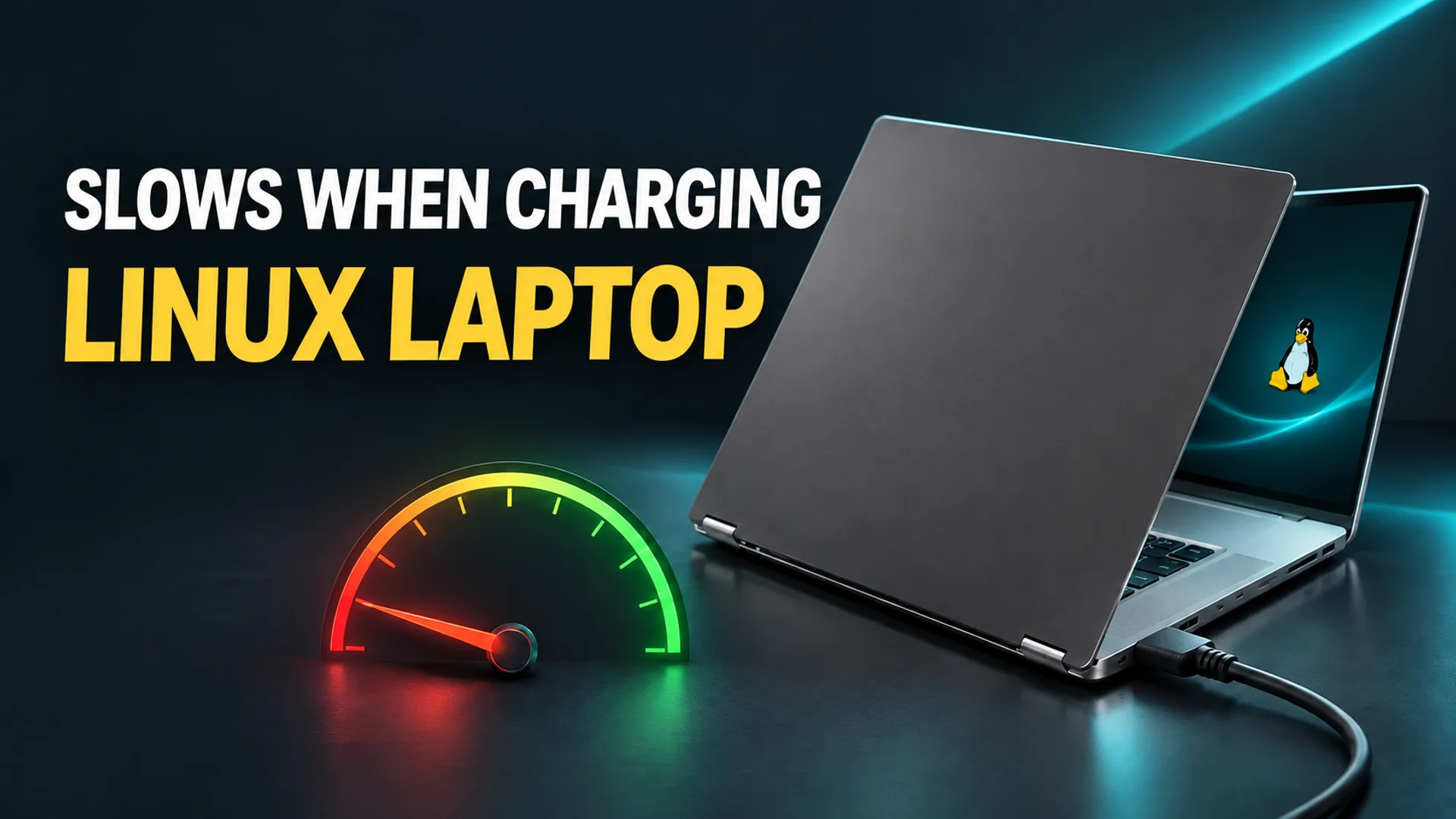
When you plug in your laptop, the GPU speed drops to one-fifth; yet unplugging the cable restores normal speeds. What causes this? This is a paradox actually reported in recent AI laptops running Linux, such as the MSI Prestige RTX Spark. MindStudio.ai directly compared multiple operating systems on the same hardware. The results showed that native Linux inference performance while charging was just 13.9 tokens/s (the number of tokens generated per second; a token is a small character unit used for sentence analysis). In contrast, Windows and WSL (Windows Subsystem for Linux) recorded nearly identical speeds of 65.4 and 65.1 tokens/s, respectively 1. Temperatures were low at 40–47°C, so the slowdown was not due to thermal throttling (performance reduction caused by heat) 1. The problem lies not with the hardware's heat, but with how the software reacts depending on the power supply method.
Why Users Want to Use Linux on AI Laptops and the Existence of RTX Spark
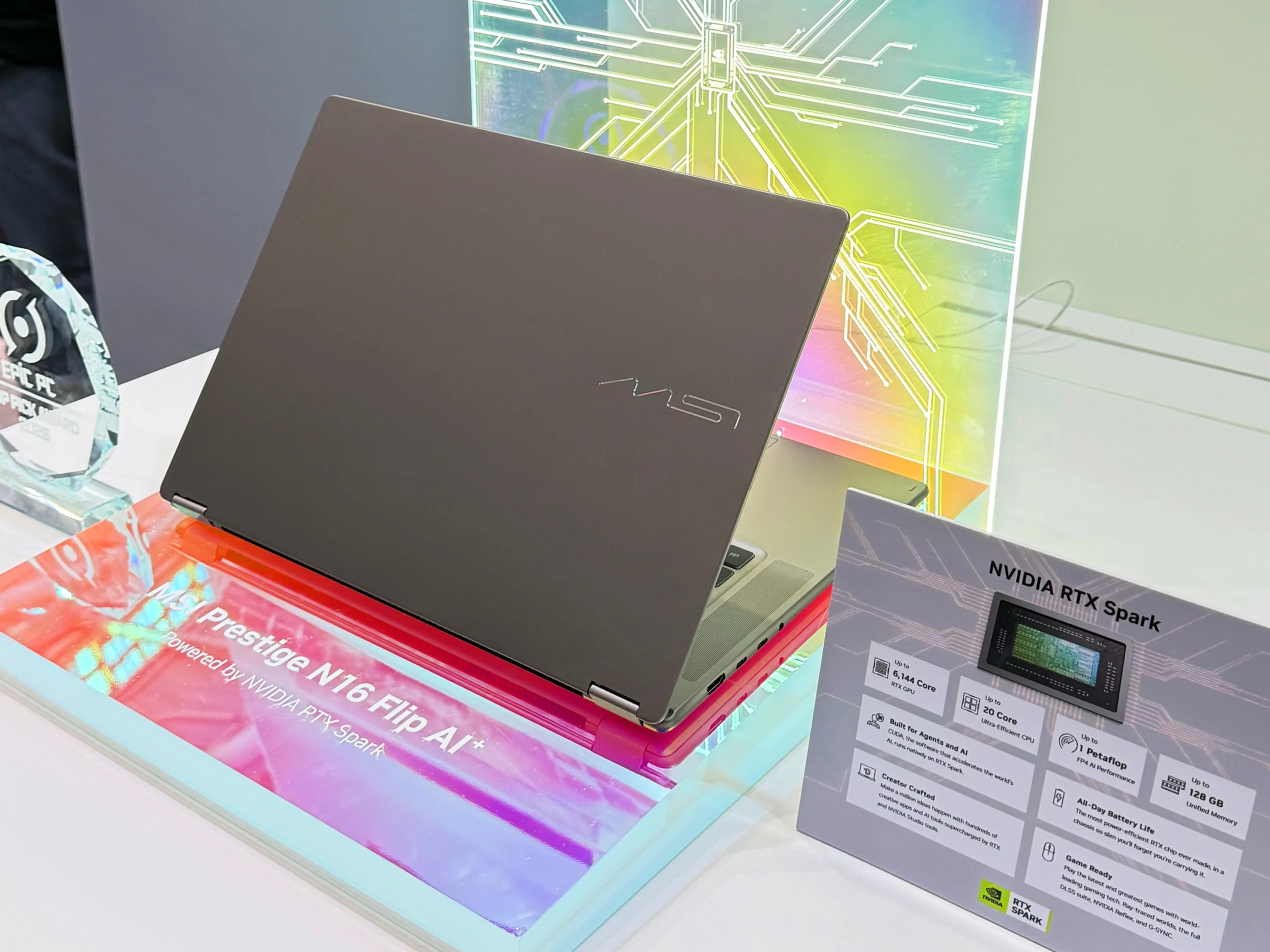
RTX Spark is a platform that transferred the GB10 GPU design, used in the desktop DGX Spark, to laptops. It is featured in products such as MSI Prestige, Asus ProArt, and Dell XPS, and features a unified memory structure where the CPU and GPU share up to 128GB of memory 1. Because this large amount of memory can be used as one cohesive unit, developers looking to run large language models, such as the 120-billion-parameter class, locally are eyeing this equipment. However, these devices ship with ARM-based Windows preinstalled 1.
The issue is the AI tool ecosystem. Tools widely used for actual AI inference, such as vLLM and SGLang, tend to be developed with priority for Linux. Inference on Linux refers to the computational process in which a language model generates tokens one by one to answer a user's question. To process this work without delay, the GPU must continuously compute at high speeds (clock rates). As a result, users of these laptops attempt dual-booting (installing two operating systems on a single device so the user can choose between them) without removing Windows 1. This is precisely where the MindStudio.ai experiments begin.
Temperature Differences Across Four Environments on the Same Laptop
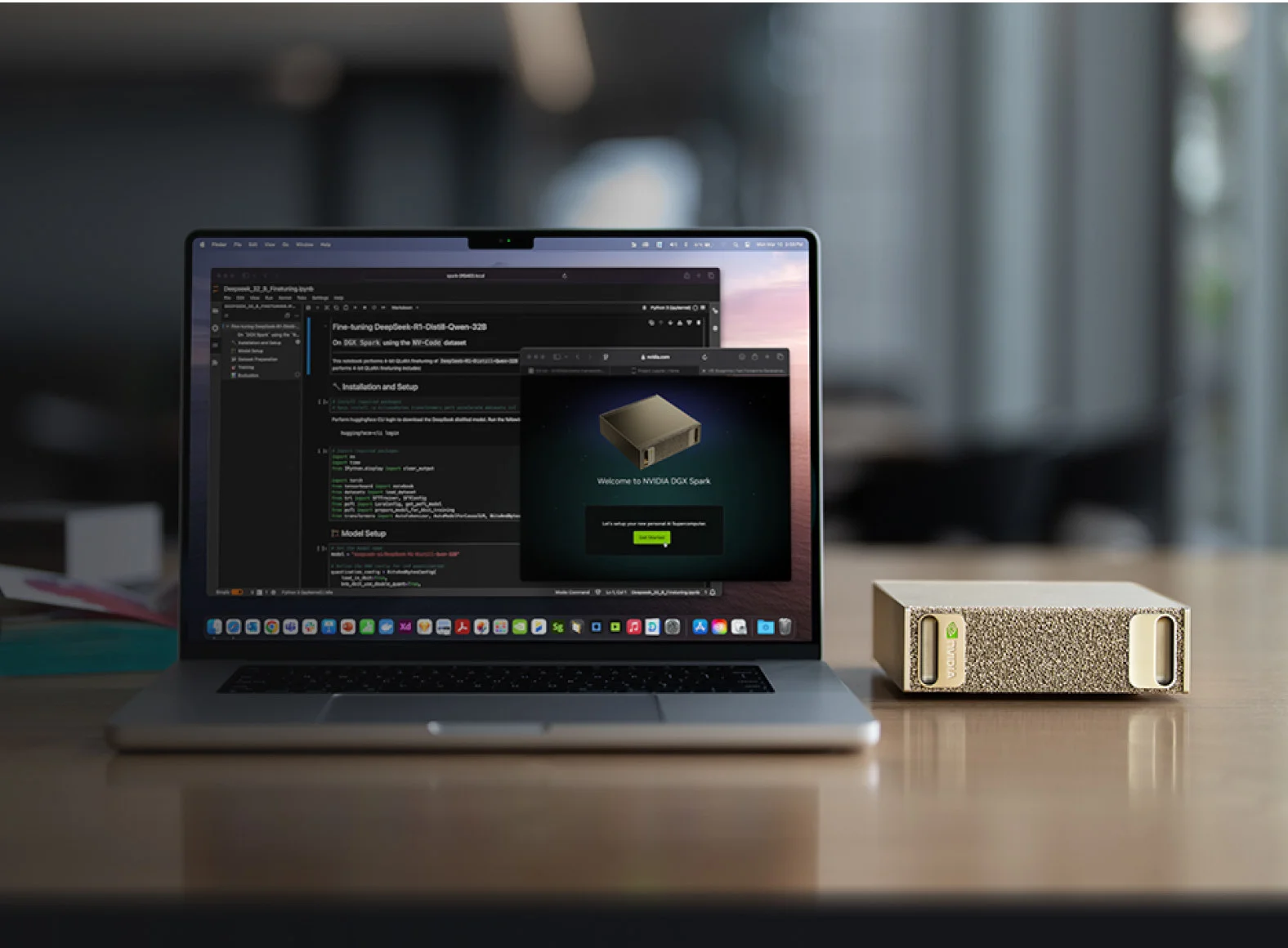
MindStudio.ai measured three environments—Windows, WSL, and native Linux—on the MSI Prestige RTX Spark while running a 120-billion-parameter model (GPT-OSS-120B). They also separately presented the inference speed of the same model on the Nvidia DGX Spark desktop as a comparison benchmark. As shown in the results table, the differences are clear at a glance.
| Execution Environment | GPT-OSS-120B Inference Speed | GPU Clock (Charging State) |
|---|---|---|
| Windows (Laptop) | 65.4 tokens/s | Approx. 2.2 GHz |
| WSL (Laptop) | 65.1 tokens/s | — |
| DGX Spark (Desktop) | 61 tokens/s | — |
| Native Linux (Laptop) | 13.9 tokens/s | Approx. 780–790 MHz |
[Table Source: 1]
In the same laptop, only the native Linux environment suffered at 13.9 tokens/s, which is approximately five times slower than the others 1. This disparity is also reproduced under other methods. In an experiment using vLLM to process eight requests simultaneously, WSL recorded 127 tokens/s, while native Linux recorded 39.5 tokens/s 1. In terms of time, Windows took approximately 8 minutes, while Linux took 37 minutes. During this period, the GPU remained at approximately 2.2 GHz on Windows and approximately 790 MHz on Linux 1.
The most intriguing aspect is the reversal of this direction. When the laptop is unplugged from the outlet and runs on battery, the GPU clock in the Linux environment rises to approximately 1,800 MHz, recovering speeds similar to Windows 1. Battery-state inference speeds verified using LM Studio were 61–67 tokens/s; however, running the same test while plugged into an outlet dropped the speed to around 15 tokens/s 1. In other words, the charger is not the enemy of performance; rather, a specific issue reveals itself only under the condition of using the charger.
The Cause: A Windows-Only Component That Divides the 'Power Budget'
The clue to resolving this paradox is a software component visible in the Windows Device Manager called 'Nvidia Platform Controllers and Framework.' In the DGX Spark desktop, it is possible to supply separate power lines to the GPU. However, a laptop is different. Because the CPU and GPU housed in a single body must share a designated power budget, a coordinator role is required to adjust in real time how much power to send to each component 1. Platform Controllers and Framework (Hardware ID: ACPI\NVDA0820) serves as that exact coordinator 2.
MindStudio.ai performed a control experiment by disabling this coordinator in Windows. Consequently, inference speed dropped from 83 tokens/s to about 31, and the clock rate fell from 2 GHz to 786 MHz, reproducing a bottleneck identical to that of the charging-state Linux. Upon re-enabling it, speeds instantly returned to normal 1. Thus, the cause is neither the kernel, the distribution, nor the GPU driver itself, but this single component.
Why does this coordinator behave as if malfunctioning on Linux? To divide power, the coordinator must read a 'power configuration table' provided by firmware (low-level programs built into the hardware). However, this table is encrypted. Windows possesses the decryption key to decode this table, but the current Linux driver lacks this key, making it unable to interpret the table 1. Without the key, the driver cannot send the command to boost the GPU to its proper speed during charging states, when power distribution must be recalculated, leaving the clock stuck at approximately 780 MHz. Various software workarounds were attempted during experiments, but all failed; one attempt reportedly caused a kernel panic (an operating system stop event) 1. For reference, the community has offered interpretations that Nvidia encrypted this table for 'intellectual property protection,' while others criticize it as 'intended Windows dependency.' Neither claim has been confirmed by experiment 3.
WSL is the Most Realistic Answer Available Right Now
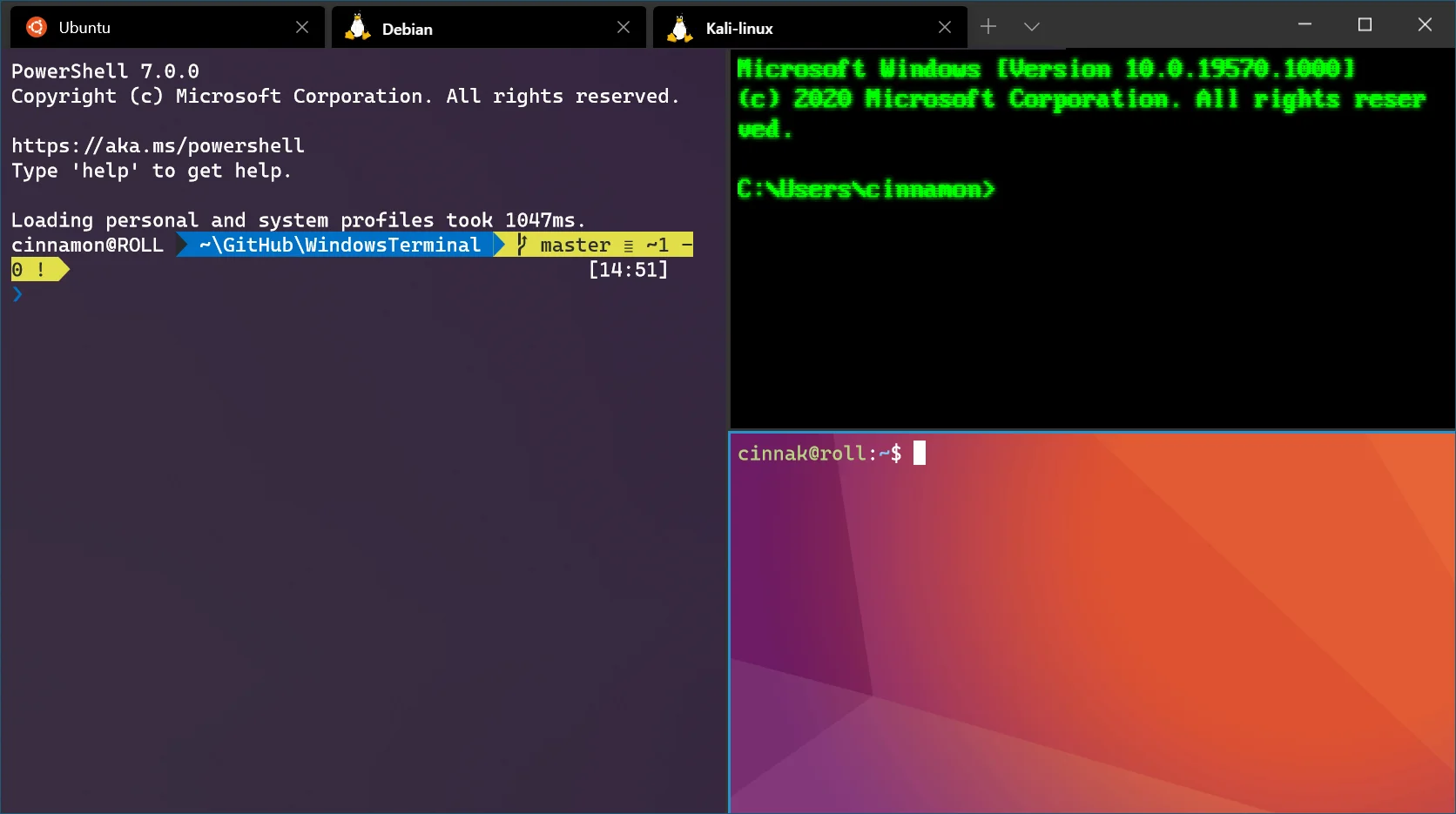
Until Nvidia ports this power management logic to the Linux driver or discloses the decryption key, WSL (Windows Subsystem for Linux) is effectively the only alternative 1, 3. Because WSL stacks a Linux environment on top of Windows, it inherits the GPU boost mechanisms (operations that increase clock speeds) already available in Windows. As a result, whether plugged into an outlet or running on battery, it can operate Linux-priority-optimized AI tools, such as vLLM, without clock degradation 1.
However, the ArchWiki separately warns that GSP firmware may cause complete failure on certain laptops equipped with Ampere GPUs, so driver configurations must be verified individually for each specific hardware setup 4.
To summarize, the sharp drop in Linux inference speeds on RTX Spark laptops stems not from 'heat' or 'hardware defects,' but from the limitations of the Linux driver, which lacks the key to decode the encrypted power table 1. The charging cable itself does not degrade performance; instead, this absence is only revealed at the moment power is connected and the power distribution between the CPU and GPU must be recalculated. This conclusion was confirmed using GPT-OSS-120B in a native Linux environment on the MSI Prestige RTX Spark. Until Nvidia adds this power management logic to the Linux driver, securing full speeds by utilizing WSL on top of the Windows driver stack is the safest choice.
References
- Linux on the Nvidia RTX Spark Laptop: What Actually Works · mindstudio.ai↩
- ↩
- Nvidia RTX Spark encrypted firmware slows inference speed to 35% on Linux | Hacker News · news.ycombinator.com↩
- NVIDIA - ArchWiki · wiki.archlinux.org↩