To get straight to the point: if you want simple 'code completion,' choose GitHub Copilot; if you want an 'intelligent partner' that understands your entire project, choose Cursor. As of 2024, AI coding tools have moved beyond mere assistance to changing the very paradigm of development. Depending on which tool you hold in your hands, your development speed can differ by 2x, or even more than 5x.
The Dawn of a New Era: How AI Has Changed Our Coding

Only a few years ago, we spent our time wandering through Google and Stack Overflow, struggling against error messages. But the situation has completely changed. Instead of asking, "Why is this error happening?", we have entered an era where we throw the error log at an AI and say, "What's wrong with this? Fix it."
For novice developers, this change is a double-edged sword. While the speed of writing code has increased exponentially, there is a risk of regressing into a 'copy-paste machine' if you do not understand the code the AI has written. Therefore, we must not simply learn how to use AI, but rather develop the insight to judge which AI can best assist our thought processes.
The two giants currently leading the market are GitHub Copilot and Cursor AI. While they may seem similar, their fundamental design philosophies are entirely different. Understanding this difference is the first step in determining your productivity.
GitHub Copilot: The Perfect Assistant Following Your Every Move
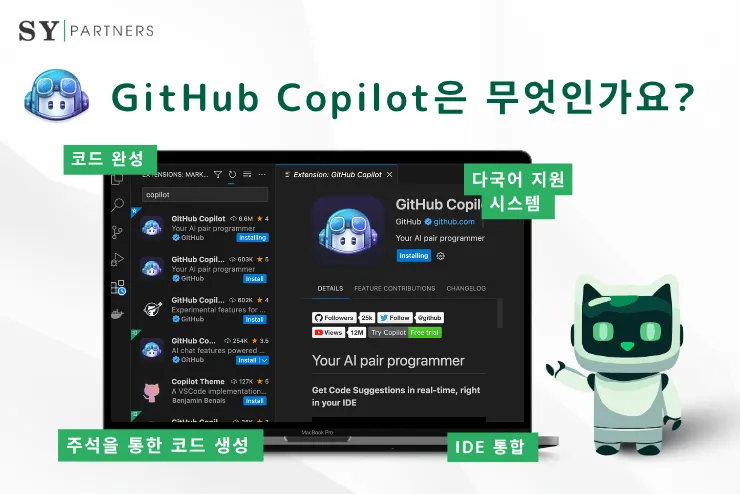
First, let's talk about GitHub Copilot. Copilot is like a skilled assistant attached to your fingertips. You continue to use your existing development environment (IDE), such as VS Code or JetBrains, and simply layer an 'intelligent plugin' on top of it.
The biggest charm of Copilot is that it does not break your 'flow.' When you start typing a function name or write "Create a function to fetch data" in a comment, it suggests the upcoming code in real-time. It feels like an upgraded coding version of a smartphone's smart autocomplete feature that predicts the next word.
- Pros: No need to change your existing workspace. It integrates perfectly with the Microsoft ecosystem, offering high stability and lightweight operation.
- Cons: The scope of suggestions is mainly focused on the 'currently writing file' or 'current context.' Its ability to penetrate and modify the entire project structure may be relatively lacking compared to Cursor.
- Recommended for: Efficiency-oriented developers who want to maintain their existing development environment and desire fast autocomplete and code generation during coding.
Copilot learns your coding style and naturally suggests code that you would likely write. This brings massive time-saving effects when writing repetitive 'boilerplate' code.
Cursor AI: The AI Editor Changing the Coding Paradigm

On the other hand, Cursor AI takes a completely different approach. Cursor is not just a simple plugin. It is a standalone code editor redesigned from the ground up to be AI-centric, based on VS Code.
To use an analogy, if Copilot is a 'obedient assistant,' Cursor is closer to a 'co-founder who looks over the project blueprints with you.' The true value of Cursor comes from its 'understanding of the entire project context.'
Cursor possesses powerful weapons called Composer and NotePads.
- Composer: When you command in natural language, such as "Refactor the login logic of this project entirely," Cursor analyzes multiple related files simultaneously and proposes changes all at once. It doesn't just modify one file at a time; it operates at a level that touches the project's structure.
- NotePads: You can code with documentation right next to you, making its ability to generate code based on planning documents or requirement specifications overwhelming.
- Pros: Excellent at reading the context of the entire project. It produces much more sophisticated results than Copilot during complex bug fixes or large-scale refactoring. The ability to choose and use cutting-edge models like GPT-4 or Claude 3.5 Sonnet is also a huge draw.
- Cons: The barrier to entry is the need to install and adapt to a new editor. Additionally, there may be a burden regarding subscription fees to use high-performance models without limits.
- Recommended for: Developers handling large-scale projects, those who perform frequent structural changes, and developers who want to become accustomed to 'voice-coding' (prompt-based coding) by conversing with AI.
Many users ask, "Why does Cursor feel smarter even though we are using the same features?" The reason is that Cursor's 'indexing' function, which identifies relationships between files, is designed to be much more powerful.
What Should You Choose? Decisive Criteria for Judgment
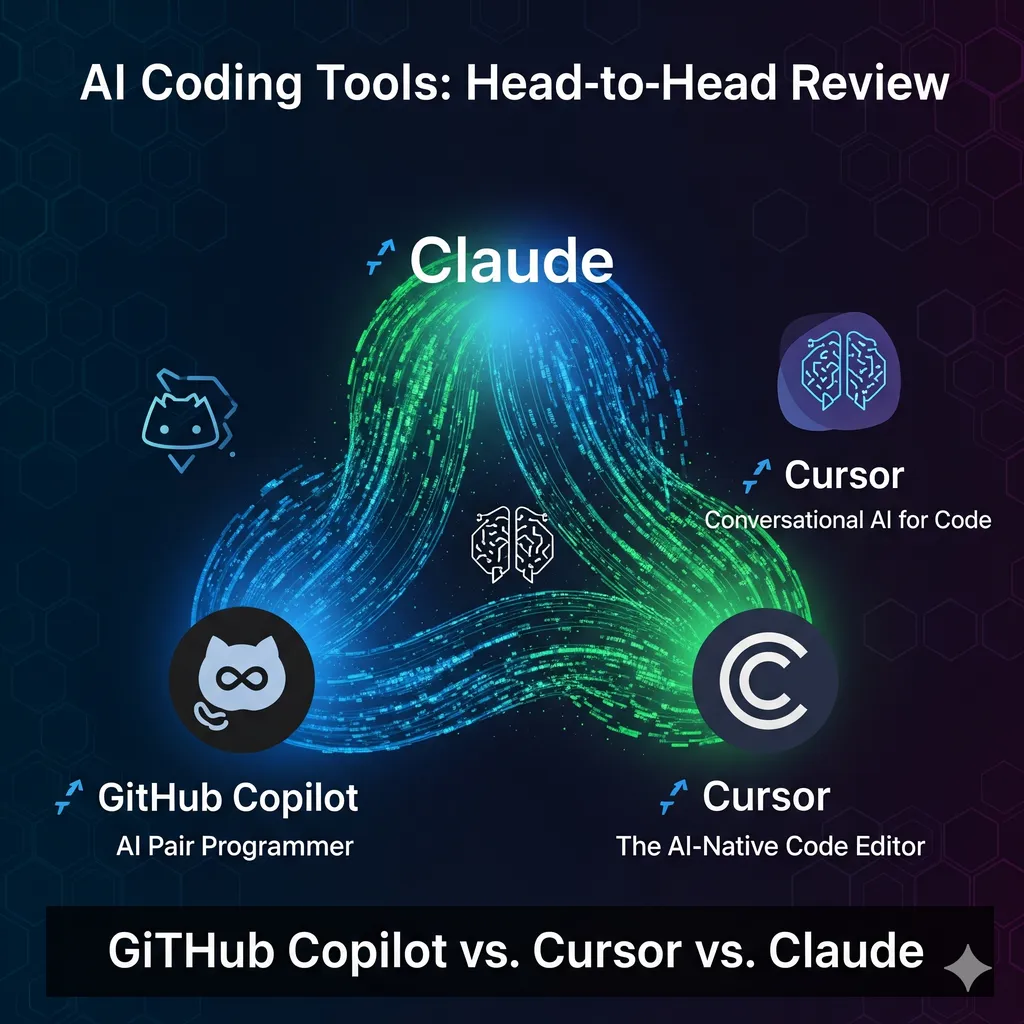
Now, the time for decision has come. To answer the question, "So, which one is better for me?", I present three criteria.
1. Your Current Tools and Environment
If you are already deeply immersed in the JetBrains (IntelliJ, PyCharm, etc.) environment, GitHub Copilot is the most reasonable choice. Moving an entire environment involves a larger cost than one might think. However, if you primarily use VS Code, transitioning to Cursor will be very smooth and bring significant benefits.
2. Nature of the Work
If you have many 'fragmented tasks,' such as simply creating a single function or writing API call code, Copilot is sufficient. However, if 'structural tasks' such as "Change the data flow of this project" or "Find why this bug is occurring within the entire structure" are your main focus, Cursor holds an overwhelming advantage.
3. Cost and Efficiency
One of the recent debates in the community is price. GitHub Copilot is very economical at around 20 per month, but considering the features provided (especially the usage of advanced models), many evaluate that "Cursor is superior in terms of cost-effectiveness." Especially considering its ability to understand the entire project, the time saved in development often exceeds the subscription fee.
| Comparison Item | GitHub Copilot | Cursor AI |
|---|---|---|
| Type | IDE Plugin (Assistant) | Standalone AI Editor (Integrated) |
| Core Strength | Real-time Autocomplete, High Stability | Project-wide Context, Multi-file Editing |
| Key Features | Inline Code Suggestions | Composer, NotePads, Chat |
| Suitable User | Workflow Maintainers | AI-centric Active Developers |
Completing AI Coding: 'Prompting' Skills More Important Than Tools

Once you have chosen your tool, it is time to make that tool work for you. It is like being given a supercar; even if you have it, it's useless if the driver doesn't know how to step on the accelerator. The core competency of AI coding is shifting from the ability to write code to the 'ability to explain problems clearly,' namely Prompt Engineering.
Simply telling an AI "Make a login page" is the way of a beginner. An experienced AI user requests as follows:
- Bad Example: "Make a login page with React."
- Good Example: "Create a login page using React and Tailwind CSS. It must include email format validation logic, and a red message should appear at the bottom when an error occurs. Make the design modern and minimal."
Here are a few tips for writing specific prompts:
- Assign a Role: Try commanding, "You are a senior security expert with 10 years of experience. Analyze the vulnerabilities in this code."
- Provide Context: If an error occurs, don't just throw the error message; provide the code of the related files and the version of the library you are currently using.
- Step-by-step Requests: Do not ask to create a massive feature all at once. It is much more accurate to break features down into small units and implement and verify them one by one.
- Specify Constraints: Present criteria such as "Refactor this following SOLID principles" or "Prioritize memory efficiency."
A word of caution: you must verify the code generated by the AI with your own eyes. AI can sometimes use non-existent libraries (hallucination) or generate code that is vulnerable to security threats. Do not forget that AI is not your 'replacement,' but your 'accelerator.'
Closing: How to Become a Developer Who Is Not Swayed by Tools

The development environment of 2024 is more dynamic than ever. The debate over whether Cursor or GitHub Copilot is better will continue in the future. However, the most important fact is that more important than the choice of tool is 'what kind of value you create using that tool.'
To summarize:
- If you need fast and lightweight assistance, choose GitHub Copilot.
- If you need a powerful partner to command the entire project, choose Cursor AI.
- And regardless of which tool you use, focus on developing clear prompting and critical verification skills.
AI is not an enemy trying to take your job, but the most powerful tool to turn your imagination into reality. I support you in riding this wave and sailing magnificently.
What AI tool are you currently using? Or which tool are you considering switching to? Please share your experiences in the comments!
References
- 2024년 최신 AI 코딩 도구 완벽 가이드: GitHub Copilot부터 Cursor AI ... · syaku.tistory.com
- Cursor AI 1달 사용 소감: Copilot과의 비교와 솔직 후기 · blog.naver.com
- 2025년 GitHub Copilot vs Cursor: 왜 난 똑같은 기능에 반값만 내는가 · reddit.com
- Cursor vs GitHub Copilot 비교 - 네이버 프리미엄콘텐츠 · contents.premium.naver.com
- Cursor vs. GitHub Copilot 지금 나에게 선택하라고 한다면... - 지피터스 · gpters.org
- AI에게 코딩 시키는 프롬프트 50개: 개발자가 자주 사용하는 실전 예시 · mirabo01.tistory.com