Do you remember that overwhelming pressure you feel when you are assigned to a new project or when you face tens of thousands of lines of legacy code? Getting lost amidst countless files and tangled dependencies is a common nightmare for every developer.
To get straight to the point: the era of blindly "reading" code is over. Understand Anything is an innovative AI tool that transforms massive codebases from mere clumps of text into conversational and navigable "intelligent knowledge graphs," teaching developers the entire context of the code.
A Lifesaver for Developers Trapped in a 'Hairball'
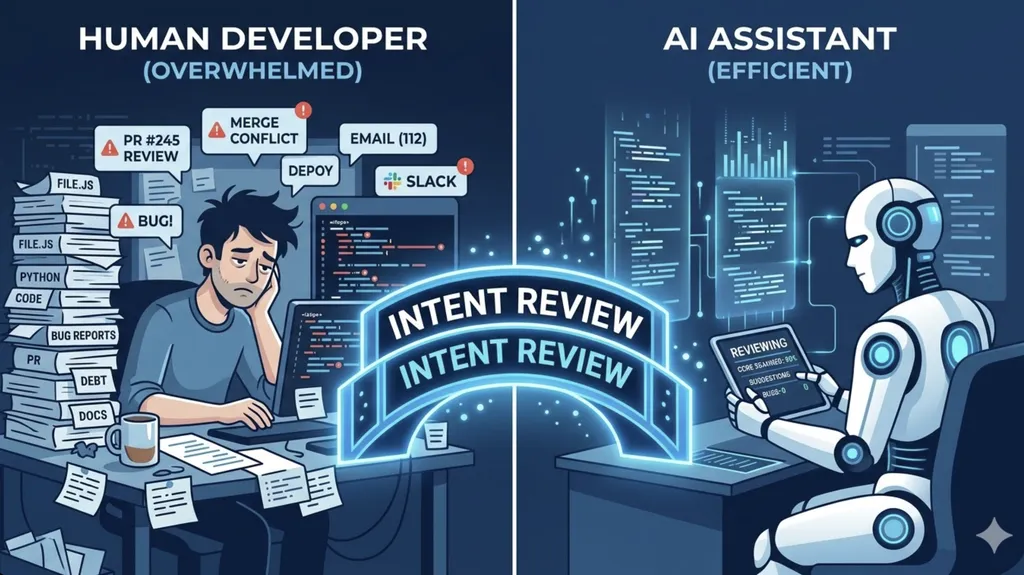
If you have used existing code visualization tools, you will likely empathize. They claim to show dependencies by popping up flashy graphs, but in reality, you often end up staring at what is known as a "Hairball"—a mass of intricately tangled lines. Instead of providing information, they often add visual noise and exacerbate confusion.
Understand Anything started exactly at this point. The goal of this project, led by developer Lum1104, is "not to simply create beautiful graphs, but to create graphs that actually enable learning." It goes beyond merely showing where the code is located and focuses on making you understand why this code exists and how it is connected.
This tool utilizes a multi-agent pipeline. Much like working on a team project, specialized AI agents—such as a project scanner, file analyzer, and architecture analyzer—work sequentially to deconstruct the project's structure, identify organic relationships between functions and classes, and build a single, living knowledge map.
Beyond Code to Business Logic: What Makes It Different?
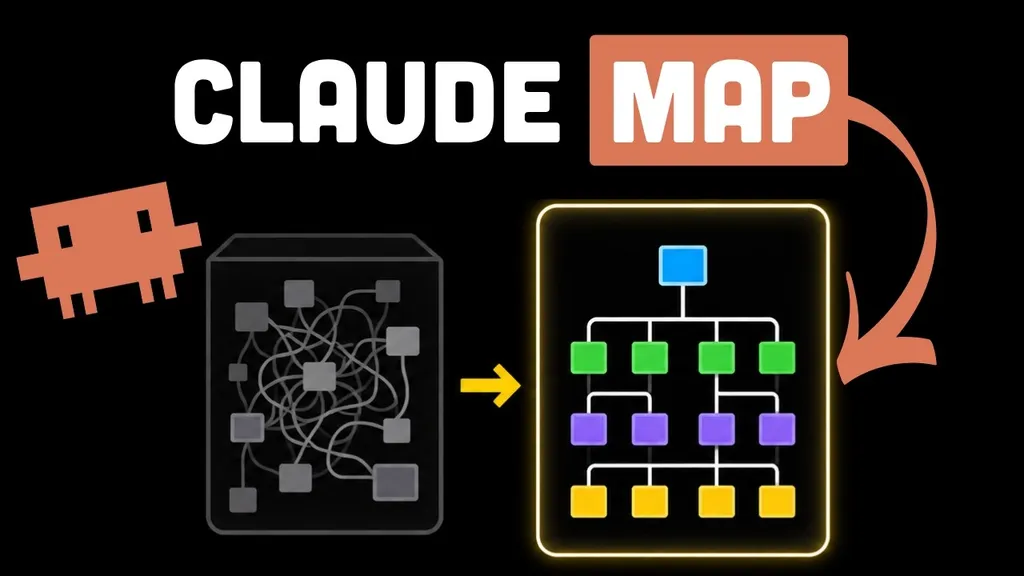
There are three core features that differentiate this tool from conventional, simple code analyzers.
1. Structural Exploration and Interactive Dashboard
There is no need to trace code line by line. Through the structural graph exploration feature, you can visually scan the entire architecture. By simply clicking a node in the graph, the AI summarizes the function and dependencies of that component in plain English (or a configured language). It is like having a senior developer sitting next to you, kindly explaining, "This function performs this role and is connected to that module."
2. Business Domain Mapping
One of the most difficult tasks for a developer is bridging the gap between "technical implementation" and "actual business logic." Understand Anything goes beyond the code structure to map out what role that code plays in actual business processes. This proves incredibly powerful during onboarding for new developers or when communicating technical details with product managers.
3. Knowledge Base and Guided Tours
It can analyze not just code files, but also knowledge bases such as Markdown documents or wikis. It finds implicit relationships between concepts and renders them as force-directed graphs. Furthermore, the Guided Tours feature allows you to follow the flow of complex architectures naturally, much like following a museum docent to learn the core flow of a project.
Of course, no tool is perfect. This is not a magic wand that interprets every complex logic with 100% perfection. Specifically, for extremely large-scale projects, analysis may take time, and there is a limitation where the generated graphs can still be complex. However, to overcome this, the tool has been meticulously designed for user experience, such as providing a Persona-Adaptive UI that adjusts the level of detail based on the user's role (Junior, PM, etc.).
How to Get Started and How to Utilize It
The usage is surprisingly simple. If you are using an AI coding platform like Claude Code, you can easily install it with the /plugin marketplace add command, and short installation scripts are also provided for macOS and Linux environments.
The actual workflow proceeds as follows:
- Analysis Phase: When you enter the
/understandcommand, AI agents begin scanning the entire project. Adding the--language kooption is very convenient, as it allows you to receive the analysis results in Korean. - Exploration Phase: Once analysis is complete, use
/understand-dashboardto open the visualized knowledge graph and view the entire structure. - Q&A Phase: When questions arise, ask them in natural language via
/understand-chat. You can get answers to questions like, "Which modules will be affected if I modify this function?" - Impact Analysis: Before changing code, use
/understand-diffto identify the impact of changes on the entire system in advance, minimizing side effects.
The generated knowledge graph is saved as a .understand-anything/knowledge-graph.json file, so it can be shared with team members or committed to a Git repository to be used as a collective knowledge asset for the entire team.
True Understanding Comes from 'Active Reconstruction'

Here, we must pose one important philosophical question. If AI summarizes and visualizes everything for us, can we truly say we "understand" the code?
When a discussion about this tool took place on Hacker News recently, many raised sharp points. One opinion was that "simply listening to intuitive explanations (ELI5, Explain Like I'm 5) does not lead to long-term memory and deep understanding." This is a very valid point from an educational perspective.
True knowledge is not completed when a learner simply accepts information provided from the outside, but when the learner reconstructs the knowledge themselves. In pedagogy, this is sometimes referred to as the "Zone of Proximal Development (ZPD)." Listening only to easy summaries is an activity outside the ZPD; one only reaches the stage of "Mastery" when accompanied by attempts to solve problems and implement them personally.
Therefore, the correct attitude when using Understand Anything is not to use this tool as an "answer key," but to use it as a "compass for exploring with a map." Based on the visual intuition and summaries provided by the tool, you must delve into the code yourself, follow the logic, and reorganize it in your own words. Because even if the AI shows you the way, it is ultimately the developer who must walk that path.
Summary and Suggestions
Understand Anything is a tool that transforms complex codebases into interactive knowledge graphs, revolutionizing developer onboarding and maintenance through features like structural analysis, business logic extraction, and guided tours.
Do not stop at simply receiving information. I hope you utilize this tool as an active learning instrument to build your own logical models, using the visual context it provides as a stepping stone.
When you join a new project, what are your own personal know-hows for grasping the entire context of the code? Please share your experiences in the comments!
References
- Understand Anything — Graphs that teach the codebase · understand-anything.com
- Yuxiang Lin Lum1104 - GitHub · github.com
- Understand Anything | Hacker News · news.ycombinator.com