The key to evolving Cursor from a simple AI code editor into an 'omnipotent development assistant' lies in the utilization of Plugins. As of 2026, Cursor has moved beyond being a mere text editor to establish itself as an AI agent platform that connects to external tools and acts autonomously through its own judgment. By simply selecting and installing the right plugins from the marketplace, your workflow can become dozens of times faster and more powerful.
Why Should You Pay Attention to Cursor Plugins Right Now?

While using Cursor, have you ever thought, "Ah, it would be so great if the AI could handle this task automatically too?" Beyond writing code, tasks such as managing issues, verifying deployments, and changing database schemas still remain the responsibility of the developer.
This is precisely why Cursor Plugins are necessary. In 2026, Cursor is not just a tool that suggests code. Through the plugin system, it has reborn as an agent with "eyes and hands" that communicates directly with external APIs, infrastructure, and design tools.
Utilizing plugins leads to the following transformations:
- Boundaries of tools disappear: You can handle everything within Cursor without needing to leave the IDE for Jira, GitHub, or AWS.
- Agents become smarter: Beyond simple chatting, you can meet agents equipped with "Skills" to use specific tools.
- Automation is realized: You can delegate repetitive CI/CD checks or log analysis to an agent integrated with plugins.
Ultimately, the productivity gap between developers who use plugins effectively and those who do not is widening irrecoverably as of 2026.
Cursor Marketplace: A Treasure Trove to Find Your Development Weapons
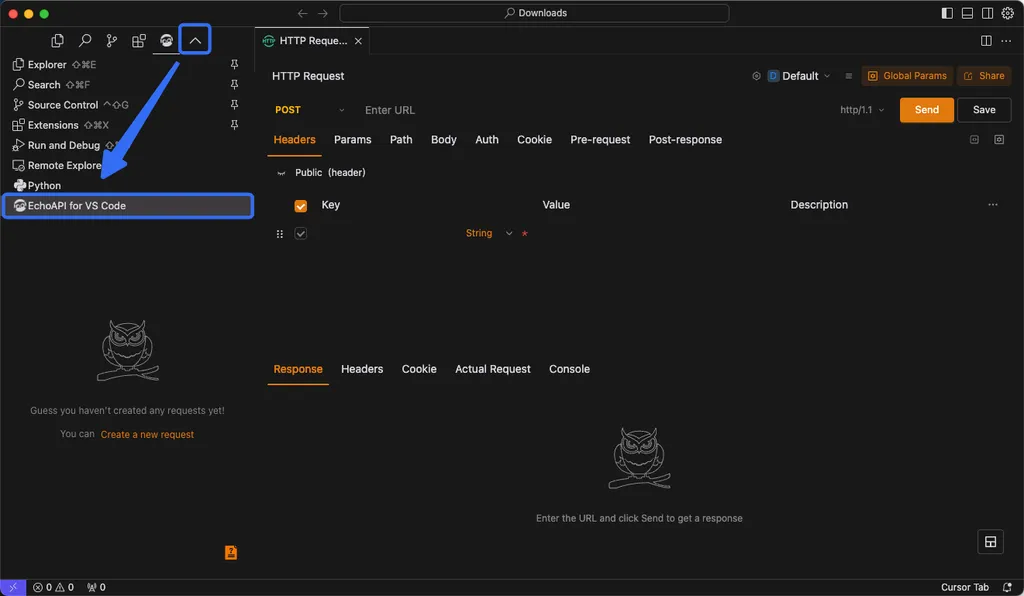
If you have installed Cursor, the first place you should visit is the Cursor Marketplace. This is not just a simple plugin repository, but an integrated hub that expands the capabilities of AI agents.
1. Customized Solutions by Category
The marketplace is systematically organized according to the user's workflow.
- Infrastructure: Controls cloud environments such as AWS, Cloudflare, and Vercel.
- Data & Analytics: Connects with tools like Amplitude and Snowflake to analyze production data.
- Productivity: Manages project progress through Atlassian (Jira), monday.com, etc.
- Agent Orchestration & Canvas: Visualizes and coordinates complex agent workflows.
2. Reliable Security Policies
Many people worry, "Is it safe to install external plugins in an AI tool?" To solve this, Cursor undergoes a verification process for all plugins. Official plugins and trusted community plugins are clearly distinguished and labeled, so you can use them with peace of mind without worrying about malicious code.
3. Ease of Installation and Management
No complex configuration is required. Simply find the tool you want in the marketplace, and with a few clicks, it is immediately integrated into your environment. You can disable or delete unused plugins at any time to optimize the IDE's performance. It is very similar to installing and managing apps on a smartphone.
Real-world Application: Magic Spanning from Development to Design and Infrastructure
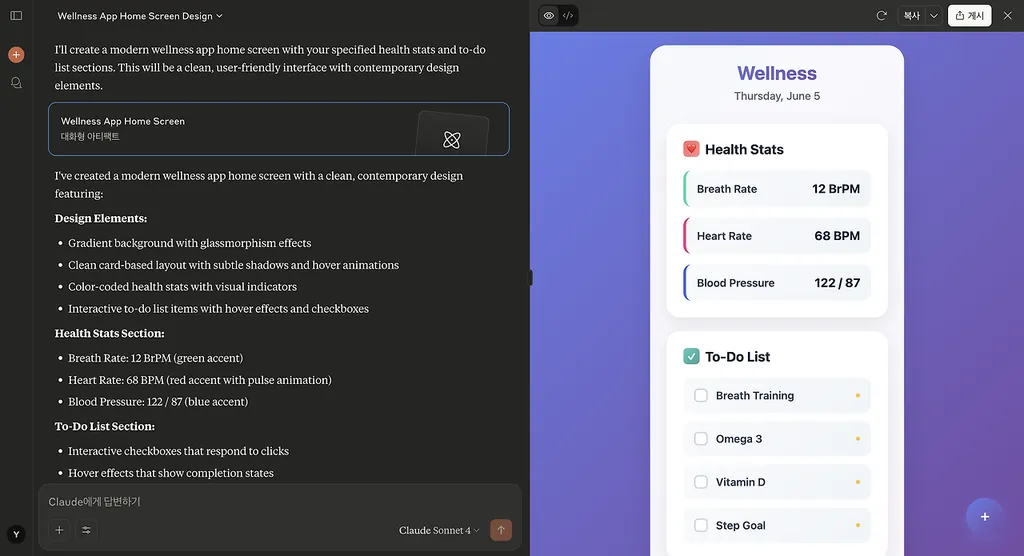
Let's look at specific examples of how plugins are used in actual work. It is difficult to realize their power through theory alone.
Integration of Design and Development (Figma & Linear)
The most innovative experience for designers or frontend developers is the Figma plugin. Workflows such as converting design specs into code or having the AI recognize design changes and modify the code are possible. Additionally, through the Linear plugin, issue management and documentation can be handled all at once within the IDE.
Integration of Infrastructure and Data (AWS & Datadog)
Backend developers should pay attention to the Datadog plugin. You can query logs or metrics using natural language. If you say, "Show me the 500 error logs that occurred in the last hour," the AI will directly find and analyze the data. Using Vercel or Cloudflare plugins makes the process from code modification to deployment as smooth as magic.
Payment and Operations Automation (Stripe)
Plugins also shine in implementing business logic. Using the Stripe plugin, you can automate API integration, product creation, and payment link generation. This is a key factor in revolutionizing Time-to-Market.
Wait! Something easy to miss: Not all plugins solve every problem. Installing too many plugins can actually make the IDE heavy, and functional conflicts between plugins may occur. Therefore, strategic management—"installing when needed and turning them off when not in use"—is essential.
The Path to Becoming a 'Plugin Maker' Even for Non-Developers
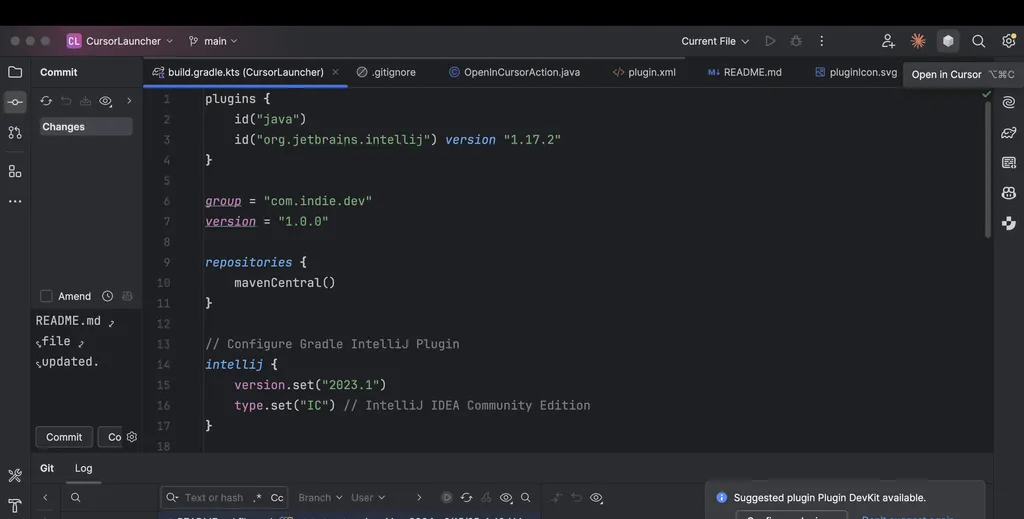
Now, Cursor is not the exclusive domain of skilled engineers. As of 2026, an era has opened where even non-developers can create their own plugins with the help of AI.
A Designer's Challenge: Creating a Figma Plugin
In fact, one designer used Cursor to develop a Figma plugin themselves. Even with a lack of technical knowledge, if you clearly convey the context to the AI by saying, "I am a designer," the AI will generate designer-centric code. There is no need to panic if an error occurs. Simply capture the error screen and show it to Cursor, and the AI will immediately suggest a fix.
A Non-developer's Case: Customizing WordPress
A WordPress user also created a custom avatar plugin through Cursor. Going beyond just using existing plugins, they progressed to the stage of customizing functions to fit their own needs. This case shows that anyone can do it as long as they have accurate scenario writing and continuous conversation with the AI.
Creating Your Own Tools: Cursor SDK
If you want deeper expansion, you can utilize the Cursor SDK. It operates based on TypeScript and supports MCP (Model Context Protocol), allowing users to port their own custom skills or sub-agents into Cursor. It is an open ecosystem where your creativity becomes a new plugin.
Simultaneous Security and Autonomy: The Combination of OpenClaw and MCP

One of the most notable recent trends is the integration of open-source autonomous AI agents like OpenClaw.
In corporate environments where security is paramount, agents that run locally are much more attractive than cloud-based AI. OpenClaw runs directly on the user's PC or VPS, fundamentally blocking concerns about data leakage.
The medium that connects this powerful local agent to Cursor is MCP (Model Context Protocol).
- OpenClaw acts as the "hands and feet" that control the file system and perform browsing.
- Through MCP, Cursor calls and uses these functions.
- As a result, tasks such as managing dependencies in large-scale projects or monitoring code quality can be performed 'autonomously' without human intervention.
This combination is a powerful way to boost workflow efficiency by more than 3 times compared to existing manual tasks.
Summary and Execution Strategy

Based on what we have covered, I propose a 3-step strategy to optimize your Cursor environment.
- Explore: First, visit the Cursor Marketplace and look at 'Featured Plugins' that suit your job function (infrastructure, data, design, etc.).
- Integrate: Connect frequently used tools (AWS, GitHub, Slack, etc.) via plugins to maintain all context within the IDE.
- Extend: Move beyond being a simple user and, if necessary, collaborate with AI to design your own custom plugins or automations.
Cursor is not just a tool, but a platform that expands your capabilities. The moment you hand powerful weapons to an AI agent through plugins, your development experience will change completely.
Which plugin do you want to install first from the marketplace today? Please share your ideas in the comments!
References
- Plugins | Cursor Docs · cursor.com
- Cursor Marketplace | Cursor Plugins · cursor.com
- 플러그인으로 Cursor 확장하기 · cursor.com
- Over 30 new plugins join the Cursor Marketplace · cursor.com
- 4️⃣ Cursor에 첫 프롬프트 작성하기 - 자신이 디자이너라는 맥락 공유 · threads.com
- Cursor AI를 활용한 비개발자 워드프레스 커스텀아바타 플러그인 개발 ... · gpters.org
- OpenClaw와 Cursor 통합 가이드 - Skywork · skywork.ai