In the era of AI coding, simply writing a line of code faster is no longer enough.
Developers are now grappling with higher-level questions: "How can I make an AI agent manage my infrastructure, review my PRs, and handle complex workflows autonomously?"
After reading this article, you will realize how to utilize Cursor not merely as a simple code editor, but as a massive "AI Agent Operating System."
The Limits of AI Coding: Why Simple Autocomplete is Not Enough
As of 2026, we are already using powerful LLMs like ChatGPT or Claude within our code editors. However, many developers still feel a sense of frustration.
"It writes code well, but why doesn't it know my database schema?" "The logic is perfect, but why isn't it connected to my company's Jira tickets or GitLab issues?"
This is exactly the bottleneck of AI coding. While the AI models themselves are intelligent, there is a massive wall between them and the user's actual development environment (Context) and external tools (Tools). If the AI is only looking at your local files, it is nearly impossible for it to check the status of your cloud infrastructure or refer to a payment system's API specification in real time.
Ultimately, to convert AI intelligence into actual "task execution capability," it is essential to give the AI "hands and feet"—namely, Plugins and Automation.
Alternative Analysis: Simple Extensions vs. Cursor Marketplace Ecosystem
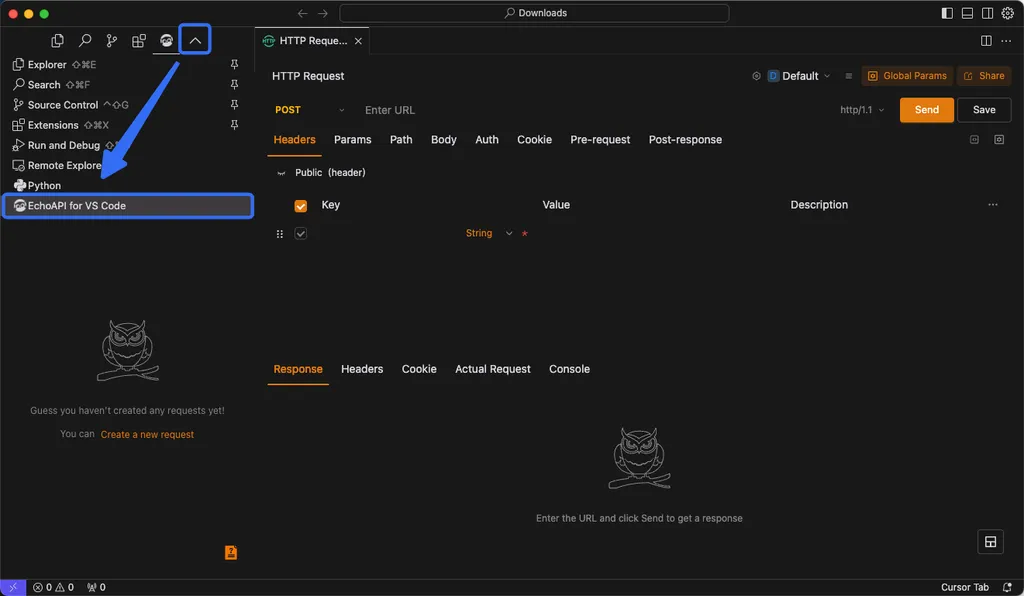
We can choose between two main paths to expand AI's capabilities: using the traditional VS Code style of "simple extensions" or leveraging the "agent-centric marketplace" built by Cursor.
1. The Traditional Way: VS Code-based Extensions
This is the most familiar method. It involves installing numerous extensions compatible with VS Code to supplement functionality.
- Pros:
- Vast Ecosystem: Tens of thousands of proven tools already exist.
- Familiarity: You can maintain your existing development flow, such as viewing commit history with
GitLensor aiding styling withTailwind CSS. - Lightweight: It is easy to manage system resources since you only install the specific functions you need.
- Cons:
- Lack of Integration with AI: Most extensions are tools designed for "human developers." There are limits to making an AI agent directly control these tools or read/write data through them. In other words, even if the AI becomes smarter, it may not know how to use the tools.
2. The Next-Generation Way: Cursor Marketplace (Plugins & Automations)
As of 2026, Cursor has evolved beyond a simple editor into an agent orchestration platform.
- Pros:
- Agent-Centric Design: Plugins go beyond simple functionality; they embed MCP (Model Context Protocol), which AI agents can call directly.
- Workflow Automation: Through the
Automationsfeature, you can build "always-on agents" that run at specific times or are triggered by certain events. - Powerful Tool Integration: It supports deep integration with external services, such as querying logs via Datadog or directly managing GitLab issues.
- Cons:
- Learning Curve: The structure is more complex than simple extensions. In particular, visual logic design using
Canvasor agent orchestration requires proficiency. - Early Stage Ecosystem: Compared to VS Code, the variety of expandable tools is still in the growth stage.
- Learning Curve: The structure is more complex than simple extensions. In particular, visual logic design using
Deep Dive: Core Components of the Cursor Marketplace
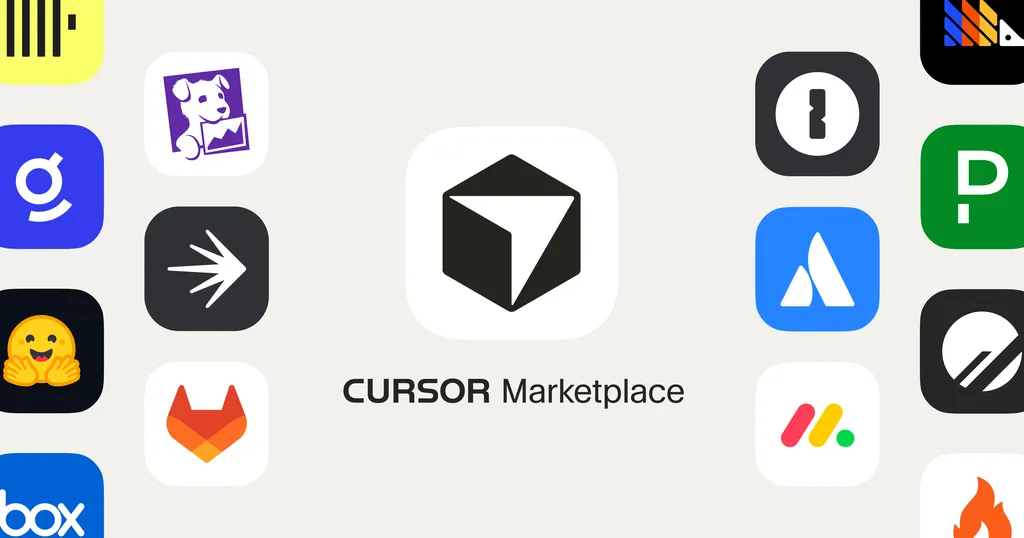
To properly understand the Cursor ecosystem, you must distinguish between its two pillars: Plugins and Automations.
Plugins: Giving AI "Skills"
Plugins are the "skills" that allow an AI agent to perform specific tasks. For example, if the Datadog plugin is installed, when you tell the AI in natural language, "Analyze the error logs from the last hour," the AI will actually call the Datadog API to fetch the data.
Key categories include:
- Infrastructure & Data: Responsible for cloud management and data analysis.
- Agent Orchestration: Advanced functions that coordinate multiple AI agents to work together.
- Canvas: An interactive space that visually maps out the AI's decision-making process or complex data flows. This includes tools like
PR Review CanvasorDocs Canvasthat intuitively display complex logic.
Automations: Giving AI "Autonomy"
Automation allows the AI to move on its own without the user issuing commands. Agents configured through Cursor Automations act as "always-on personnel" that review code according to a set schedule or respond when specific events occur.
Practical Application: Strategic Combinations to Maximize Productivity
So, how should we combine these tools? We propose a strategic approach recommended by experts.
Step 1: Build Fundamental Strength (Classic Extensions)
First, set up basic tools for code quality and Developer Experience (DX).
- Git Management: Control code flow without leaving the editor using
GitLensandGitHub Pull Request. - Code Readability: Reduce fatigue in data and styling tasks with tools like
Rainbow CSVorColor Info. - Precise Navigation: Use
Bookmarksto mark important logic sections, making it much easier to convey context when collaborating with AI.
Step 2: Expand Agent Intelligence (Marketplace Plugins)
Once the basic setup is complete, you must make the AI understand your environment.
- Collaboration Tool Integration: Synchronize task tickets and code via
Atlassianormonday.complugins. - Infrastructure Control: Delegate database schema design or pipeline management to the AI using
PlanetScaleorGitLabplugins.
Step 3: Build Advanced Automation (Automations & Canvas)
Experienced developers should design "Autonomous Workflows" that go beyond simple repetitive tasks.
- Agent Orchestration: Use plugins like
Thermosto run sub-agents in parallel and build code review processes that undergo strict security audits. - Visual Debugging: When complex logic gets tangled, use the
Canvasfeature to visually verify the data flow designed by the AI while debugging.
Conclusion: Will You Master the Tool, or Be Controlled by It?
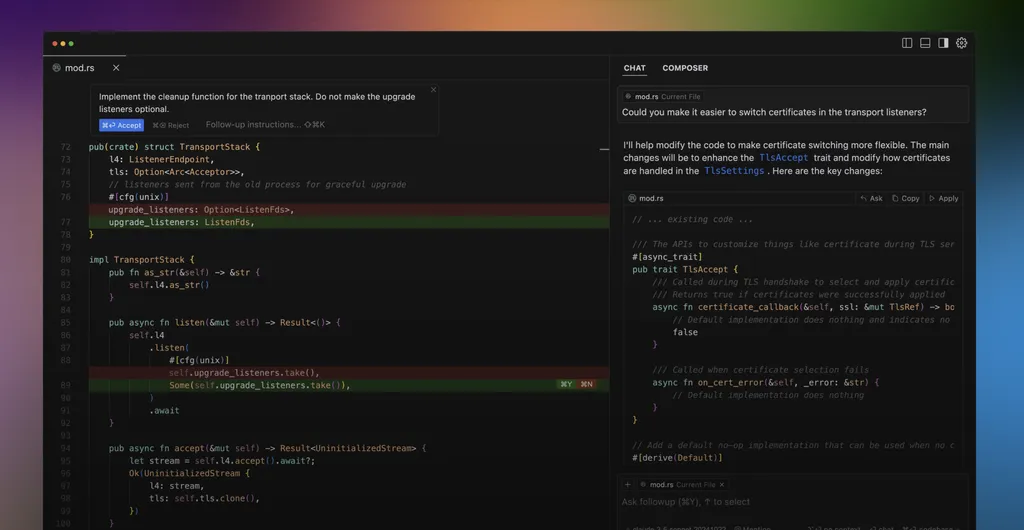
Ultimately, there is only one purpose for using Cursor: "To focus on solving the most valuable problems by completely handing over simple repetitions to AI."
If you stop at merely installing a few convenient extensions, you will remain just a "developer using AI." However, if you strategically combine the plugins and automation features of the Cursor Marketplace to give AI powerful "skills" and "autonomy," you will evolve into an "Orchestrator commanding a team of AI agents."
Why not explore the Cursor Marketplace right now and find your first plugin to automate your workflow?
What "hands and feet" do you want to give to your AI? Share your own workflow tips in the comments!
References
- Cursor Marketplace | Cursor Plugins · cursor.com
- Plugins | Cursor Docs · cursor.com
- 12 Must Have Extensions for Cursor | by Matt Pua - Medium · matthewpua.medium.com
- Over 30 new plugins join the Cursor Marketplace · cursor.com
- 설치 방법 1. 마켓플레이스 등록 (처음 한 번만) /plugin marketplace ... · threads.com
- 02 사용 매뉴얼 - 바이브 코딩 (AI 코딩 에이전트 사용법) - 위키독스 · wikidocs.net
- Cursor AI 를 사용한 업무 자동화 해보기(/w Python) - DevOcean · devocean.sk.com