Have you ever felt a sense of overwhelming hopelessness, as if thrown into a massive, endless maze, when facing tens of thousands of lines of code immediately after joining a new team?
Documentation is poor, and the senior developer who knew the core logic best has already left the company. This "code black hole" is a common pain point experienced by all developers.
However, in 2026, we no longer need to struggle in a sea of code. This is because an innovative tool has emerged that goes beyond simply showing code to actually "teaching" the context of the code. It is Understand Anything, which has received praise from developers, recording over 15,000 stars on GitHub.
1. Why couldn't existing visualization tools help us?

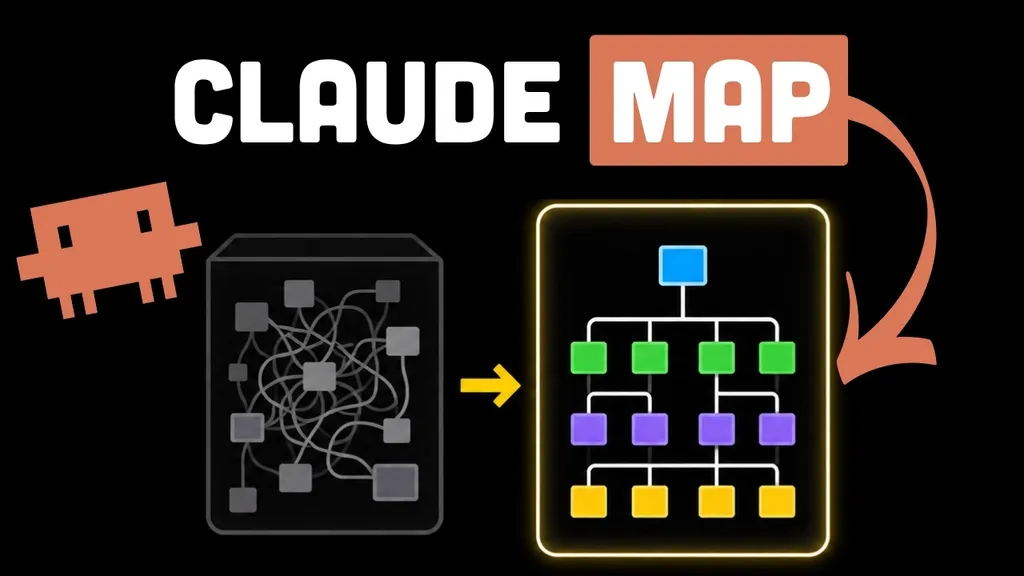
We have used numerous code visualization tools in the past. However, the output shown by most tools was a collection of intricately tangled lines known as a "hairball."
These complex graphs, where it is impossible to distinguish where lines lead or which nodes are central, were more akin to visual pollution. It was only natural to wonder, "How am I supposed to understand this?" This is because the goal of existing tools was limited to simply "showing connection relationships."
But Understand Anything has a different philosophy. Developer Lum1104 established the motto: "We create graphs that teach, not graphs that impress." Instead of just drawing lines, they chose an educational approach that conveys the logic and context of the code to the user.
This tool strives to go beyond "what is connected" to explain "why this code is here and what business meaning it holds."
2. A multi-dimensional knowledge map built by intelligent agents
The way Understand Anything works its magic is very sophisticated. Internally, a multi-agent pipeline consisting of five specialized agents operates. Project scanners, file analyzers, and architecture analyzers each perform their roles to thoroughly dissect the codebase.
The results generated in this process consist of three major dimensions of knowledge.
The Backbone of Code: Structure and Dependency Analysis
It converts all files, functions, and classes into nodes for visualization. Rather than just listing them, it intuitively shows the hierarchical structure of the architecture by differentiating colors for API, Service, and Data layers. When a user clicks a specific node, it provides a friendly explanation of the code's role within the system along with an English summary written by an LLM.
The Veins of Business: Domain View
The most difficult part for a developer is identifying which functions of the actual service the code is connected to. Through the Domain View feature, this tool visualizes how the code maps to actual business processes using horizontal graphs. This allows users to grasp the service flow at a glance, moving beyond technical implementation.
Expansion of Knowledge: Semantic Search and Guided Tours
In addition to Semantic Search, which answers natural language questions like "Where is the logic that handles authentication?", it provides a Guided Tour that allows users to learn the code step-by-step according to dependency order. This drastically reduces the time new hires take to learn the system.
Particularly interesting is the Persona Adaptive UI. It adjusts the depth of information according to the user's role, providing friendly explanations primarily to junior developers and a UI focused on business logic to Project Managers (PMs).
3. Practical Application: How to integrate it into your workflow
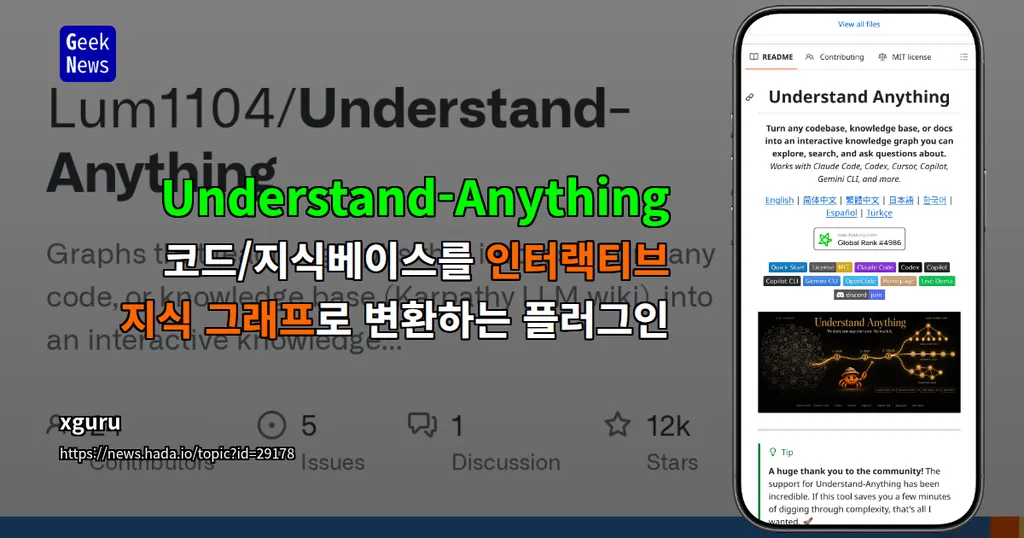
One of the greatest strengths of this tool is its overwhelming versatility. As of 2026, it is perfectly compatible with the most widely used AI coding environments, such as Claude Code, Cursor, VS Code (Copilot), and Gemini CLI.
Quick Installation and Execution
The installation method is very simple. If you are using Claude Code, you just need to enter the following command in your terminal:
/plugin marketplace add Lum1104/Understand-Anything
After installation, you can start the analysis with the /understand command, and if you want to explore visually, you can open an interactive web dashboard via /understand-dashboard. In Cursor or VS Code environments, it provides a seamless user experience where the plugin is automatically recognized just by cloning the repository without a separate installation process.
Team Collaboration and Maintenance
Understand Anything goes beyond being a personal tool to become a team asset. The analyzed data is saved as a .understand-anything/knowledge-graph.json file. If you commit this file to your repository, team members can immediately share and receive the updated knowledge graph without a separate, complex analysis process.
Furthermore, the Diff Impact Analysis feature, which analyzes how changes occurring before and after code modification will affect the entire system, serves as an essential safety net for teams operating large-scale systems.
Consideration for Global Teams
If you are working on a global project, try using the --language ko parameter. You can localize node summaries and the dashboard UI into several languages, including Korean, allowing you to understand complex code without language barriers.
4. Conclusion: From an era of 'reading' code to an era of 'conversing' with code
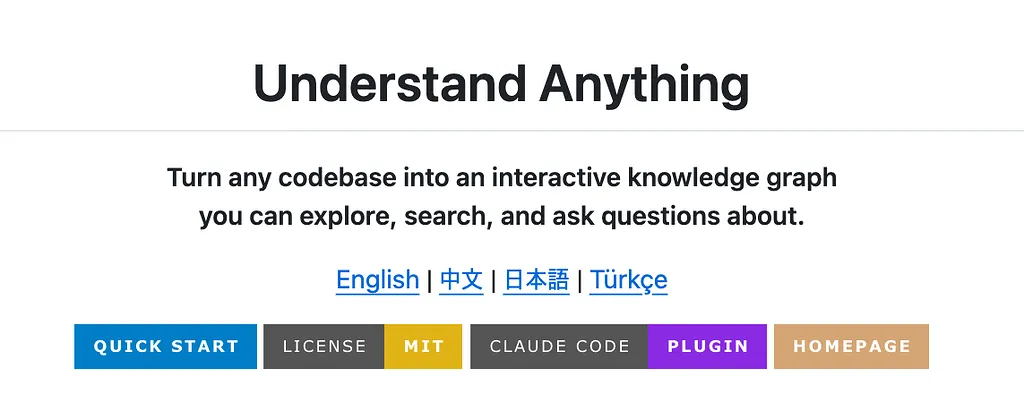
Understand Anything is not simply a tool that draws code beautifully. It is an intelligent guide that breaks down the barriers called "complexity" and helps developers focus on the essential logic of the code.
If you are lost amidst vast codebases, insufficient documentation, and constantly changing system structures, entrust yourself to this intelligent knowledge graph. The code will begin to speak to you.
In summary, this tool maximizes developer onboarding and maintenance efficiency through sophisticated multi-agent-based analysis, business-centric visualization, and customized learning experiences.
What is the first thing you do when you are assigned to a new project? Are you still wandering through a maze, reading tens of thousands of lines of code one by one?
What kind of changes do you think 'Understand Anything' will bring to your way of understanding code? Please share your thoughts in the comments!
References
- Understand Anything — Graphs that teach the codebase · understand-anything.com
- Yuxiang Lin Lum1104 - GitHub · github.com